Transparent, explainable AI for California Workers’ Compensation attorneys — case management, AI document intake with full OCR transparency, AI form-filling and drafting, the matter knowledge graph, and multi-LLM research. Here’s the whole platform, screen by screen.
Shown on a demonstration firm with synthetic seed data — no real client information. A few surfaces are shown in preview where noted.
Where your day starts
Adjudica is purpose-built for California Workers’ Compensation — Augmented Intelligence, not a black box. Every page is explainable.
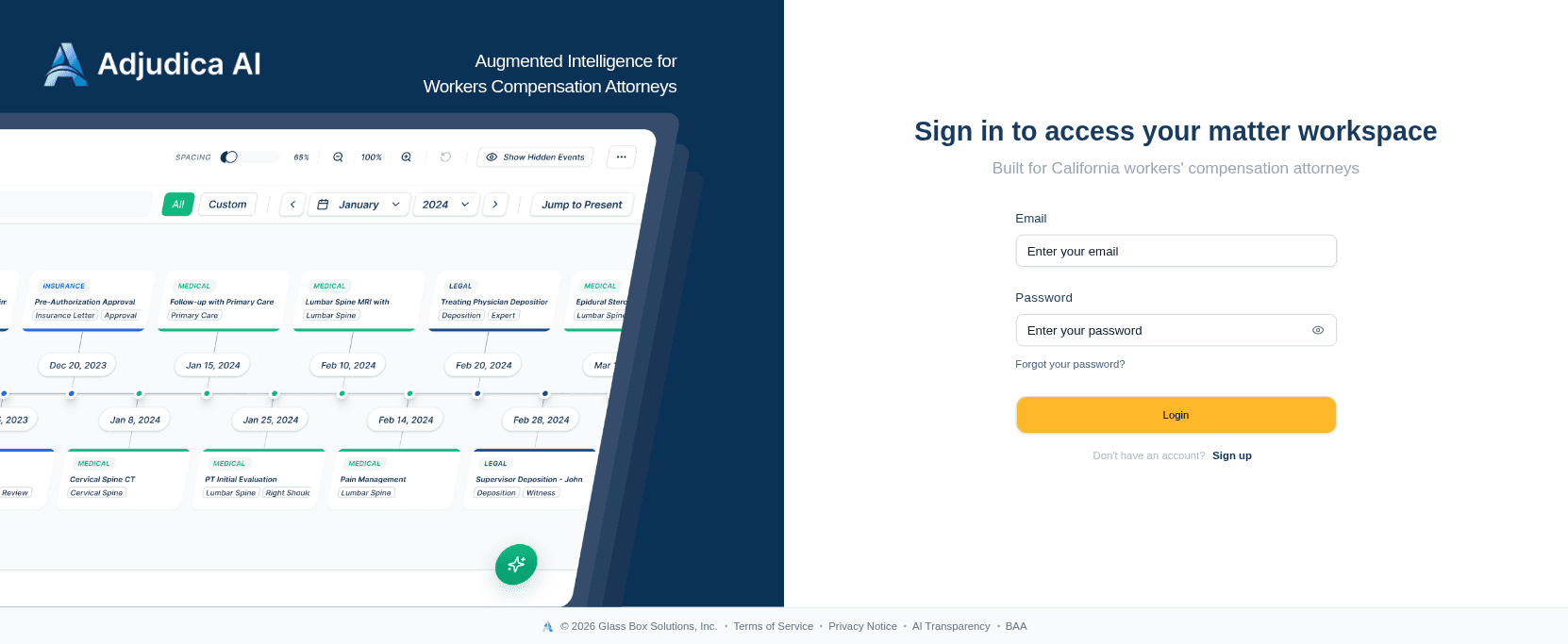
Adjudica is purpose-built for California Workers’ Compensation attorneys — “Augmented Intelligence,” not a black box. Every page is explainable.
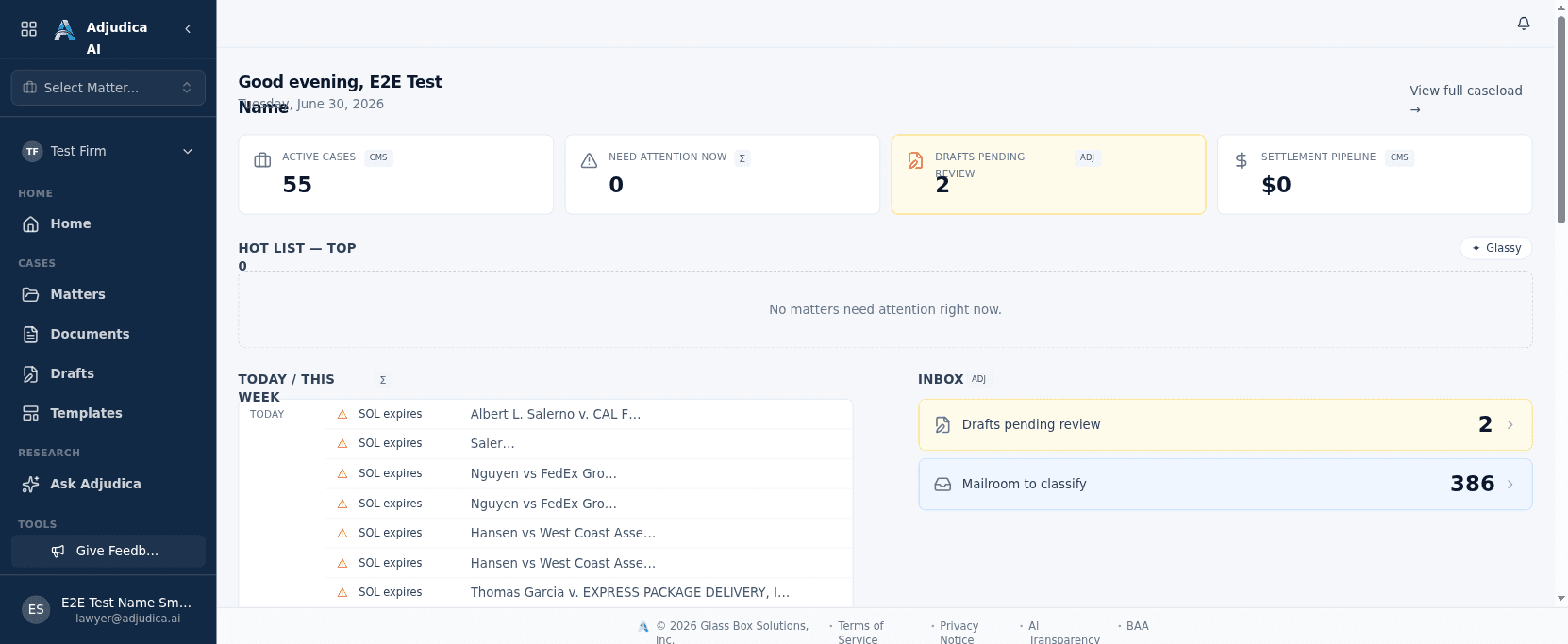
Attorneys land on a caseload ranked by what actually needs attention today — not an alphabetical list. The page answers “what should I work on next?” before you ask.
The system of record
Matters are the spine of the platform — parties, injury details, documents, drafts, timeline, and a knowledge graph, all in one workspace.
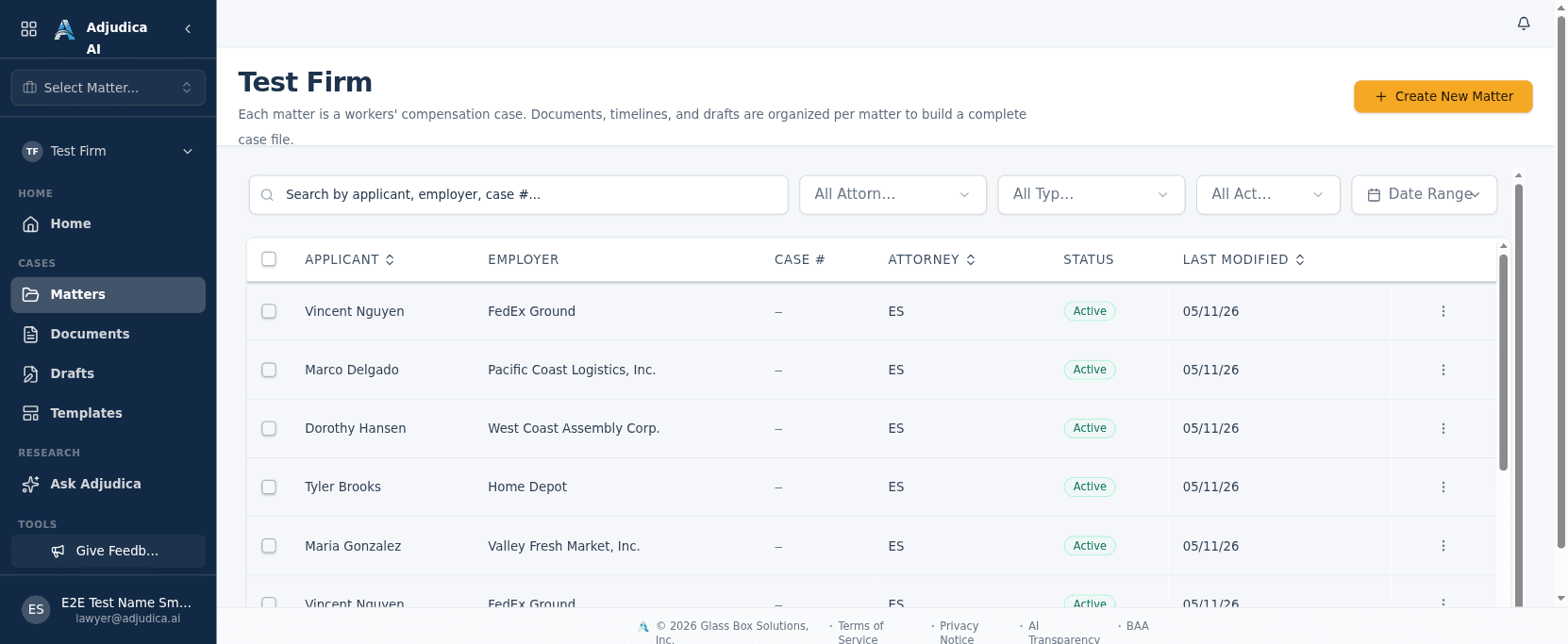
The complete list of the firm’s cases. This is the system of record that everything else hangs off of.
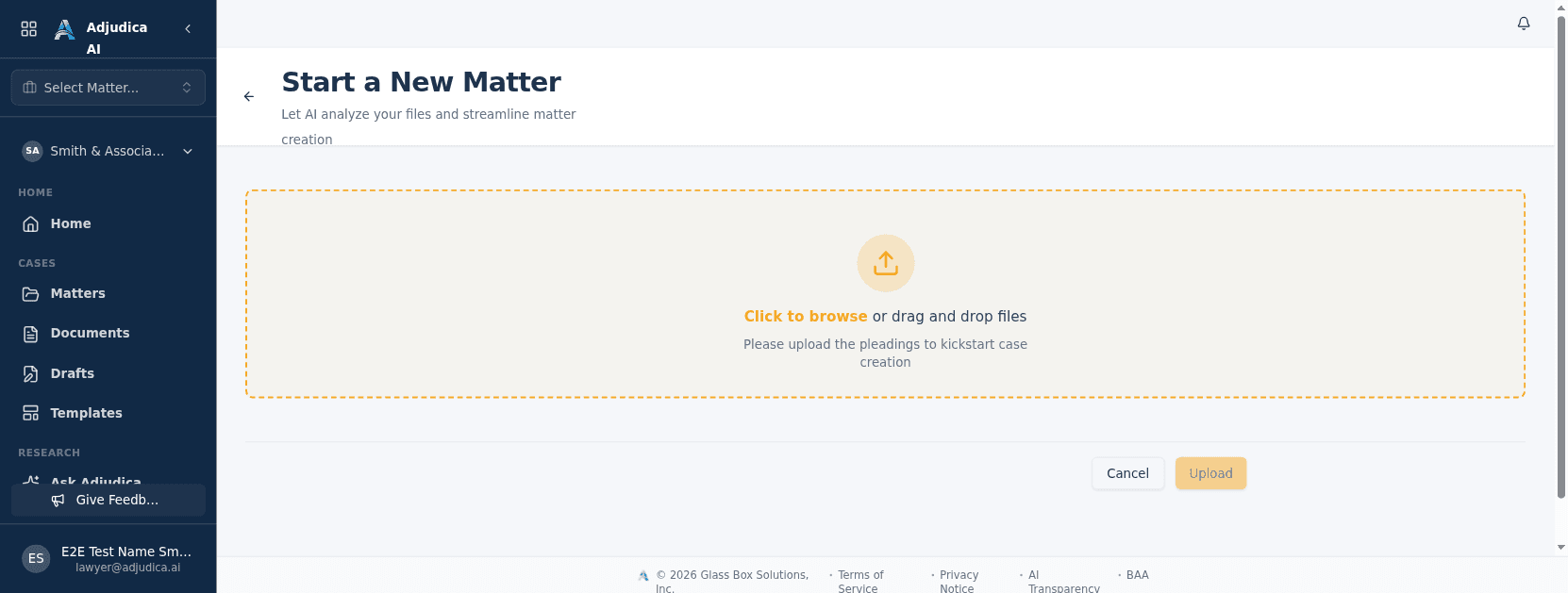
A case can be born from a stack of paper. Drop in the pleadings and Adjudica’s AI reads them, extracts the parties and claim details, and stands up the matter for you.
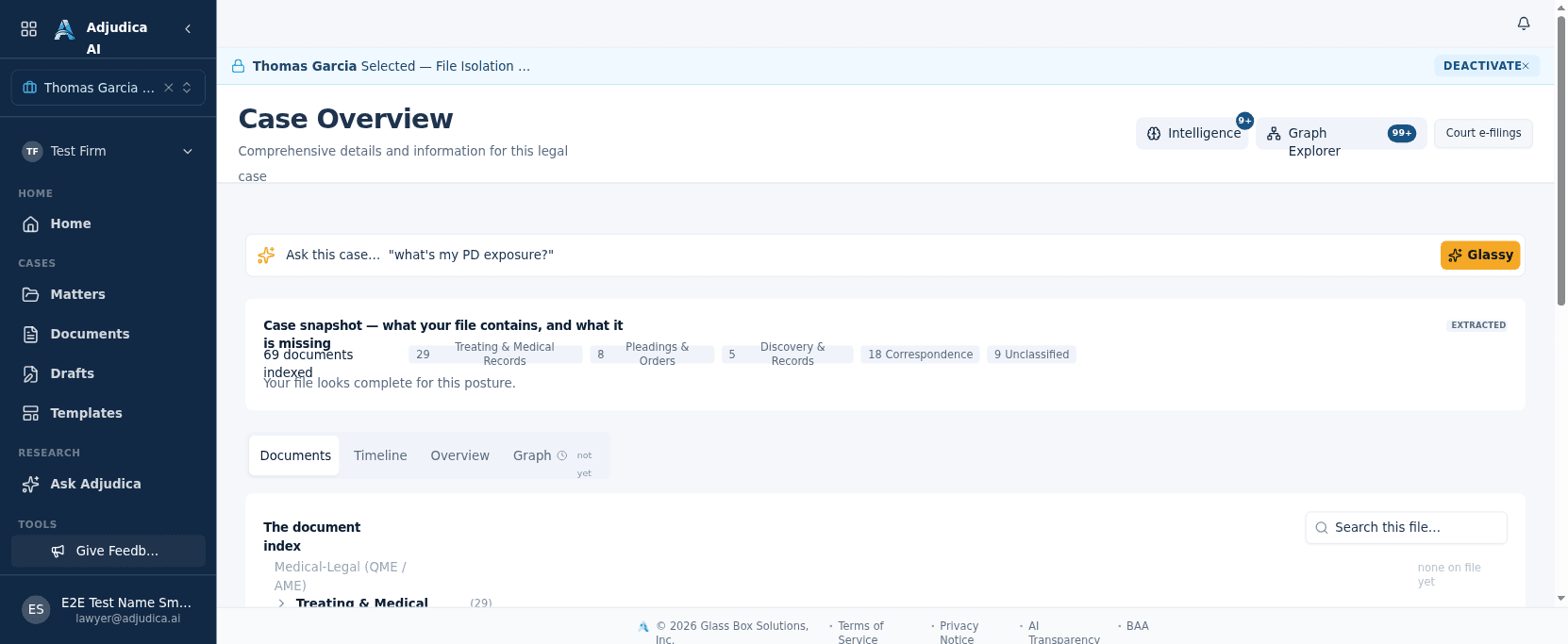
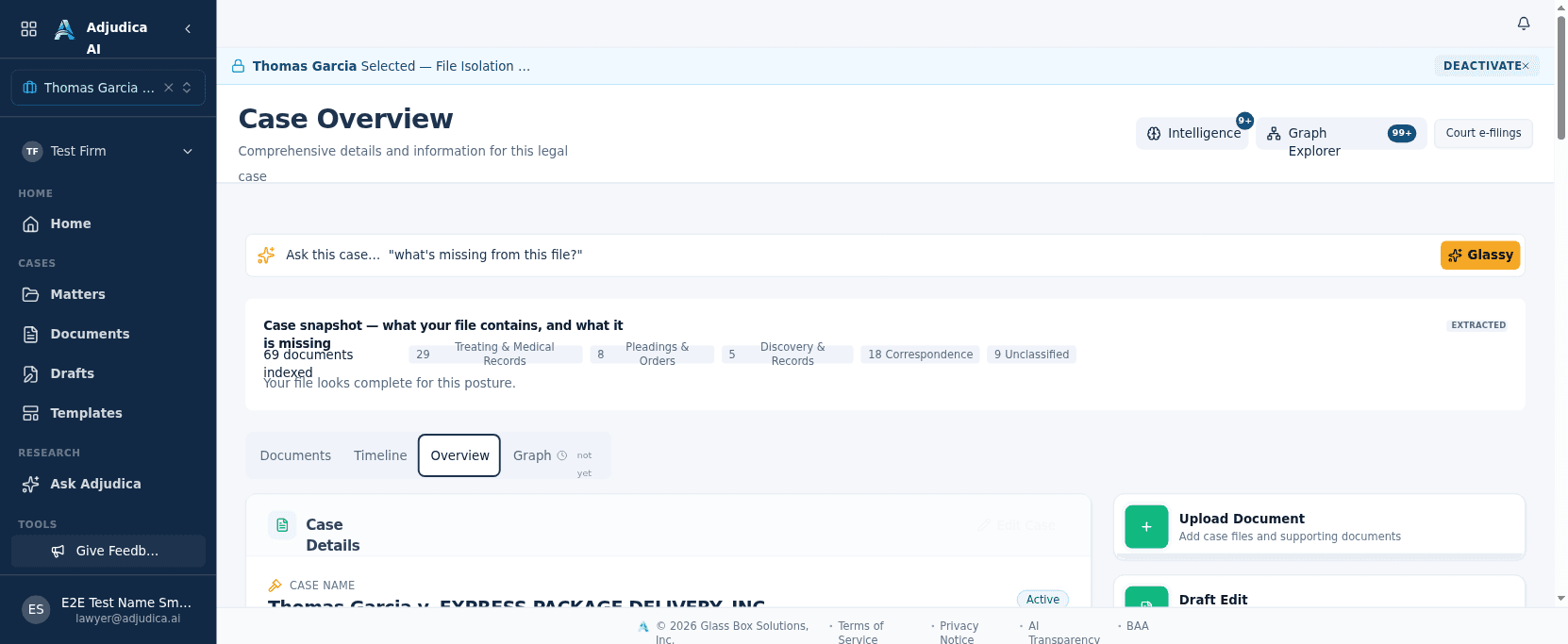
Open a case and you get a single workspace for everything about it — parties, documents, drafts, the case chat, and the event timeline.
Each matter tracks the insurance side of the claim — the carrier, adjuster, and policy the case is litigated against.
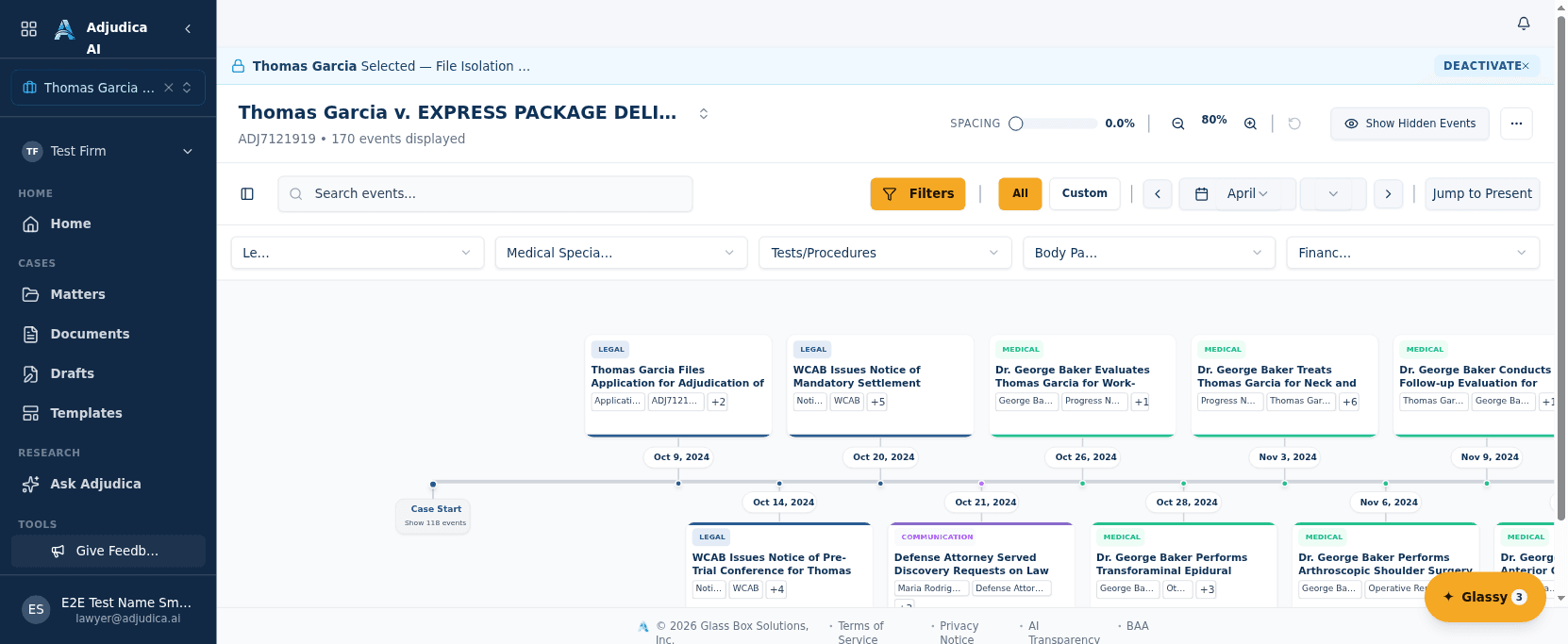
Every matter has a timeline assembled automatically from the events Adjudica’s AI extracts from the case’s own documents — the case history reconstructed without manual data entry.
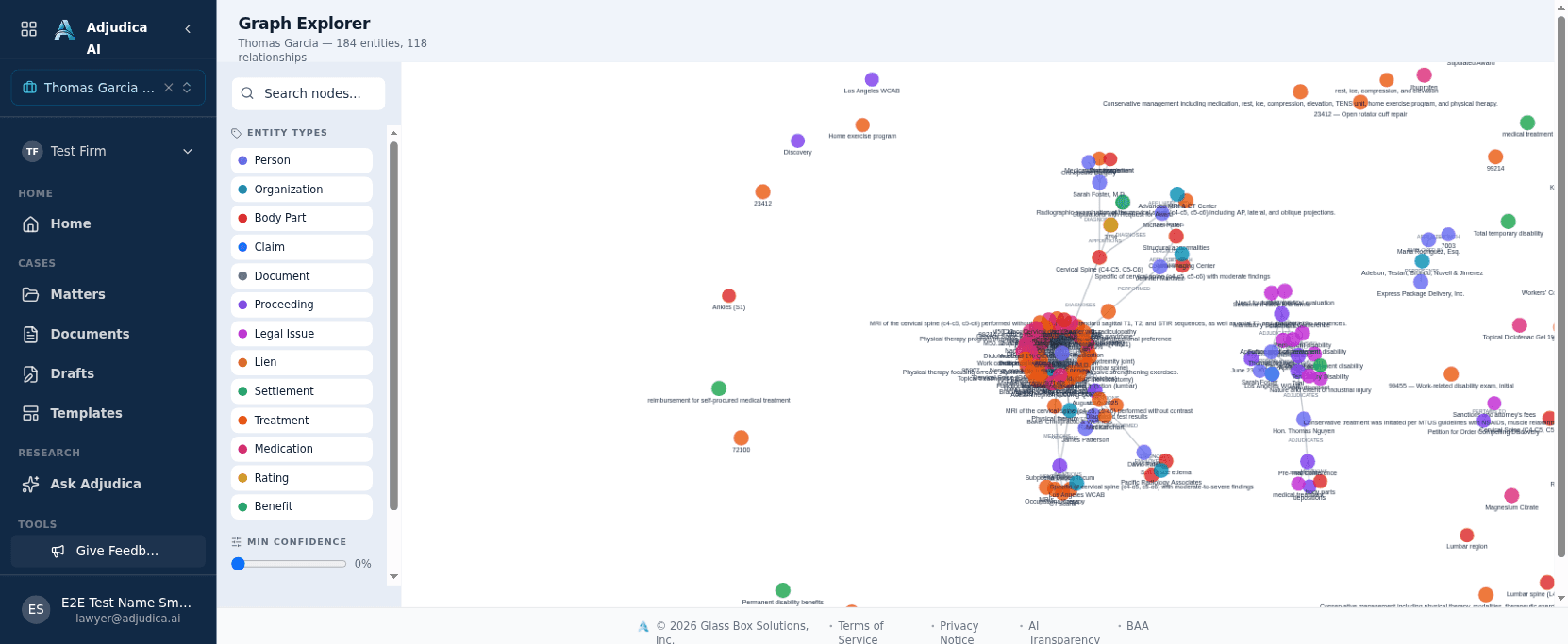
Adjudica builds a knowledge graph of each matter — the people, providers, employers, body parts, and events, and how they connect — so the case’s structure is visible, not buried in PDFs.
Transparent by design
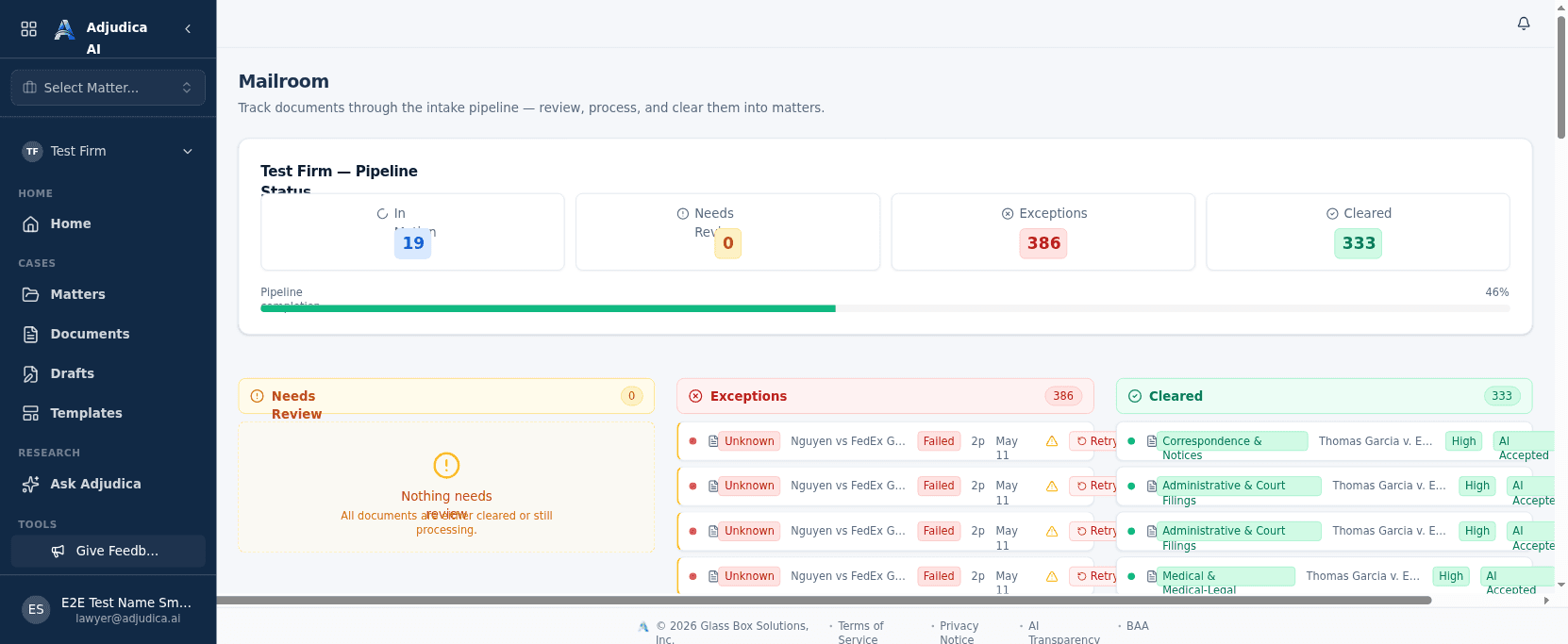
Every document flows through a pipeline that narrates each step. OCR runs with LLM correction, and a human reviews before anything is trusted — the heart of the Glass Box.
Every document that arrives flows through the Mailroom — a transparency-first pipeline that shows exactly where each file is and why. This is the heart of the “Glass Box” philosophy.
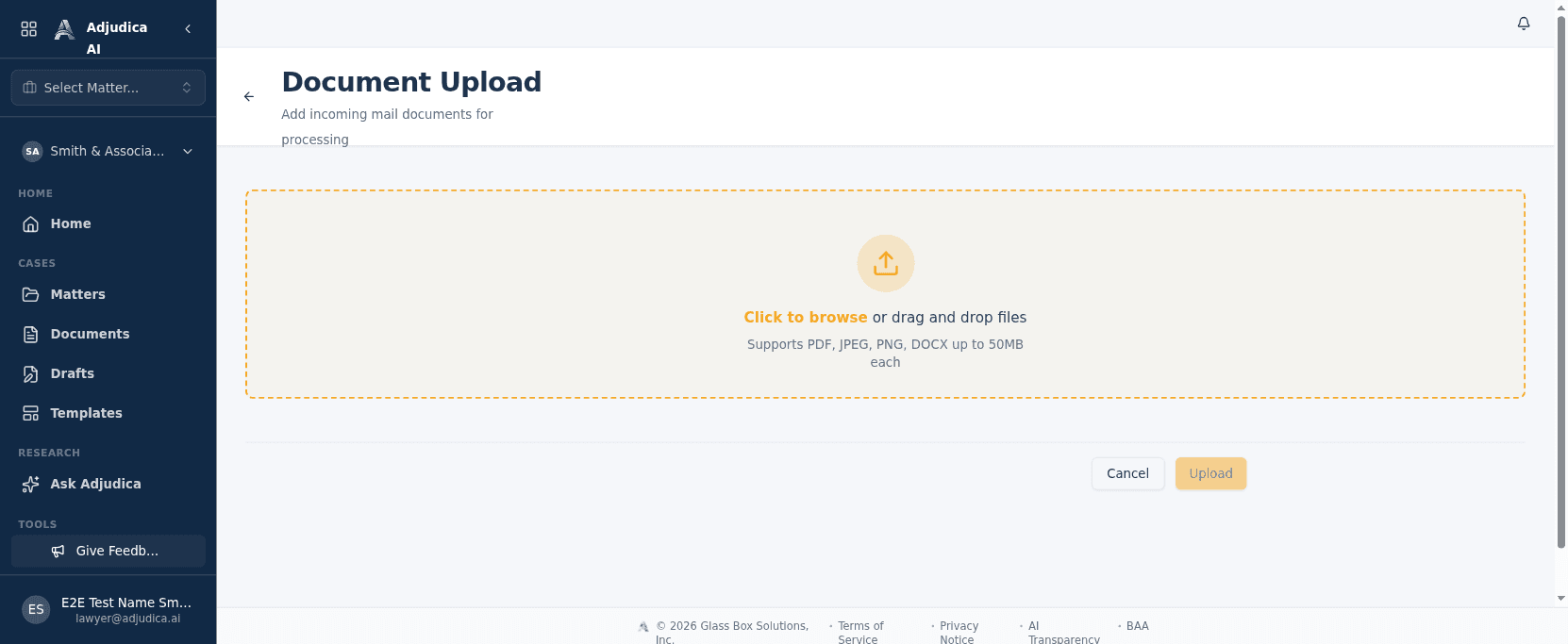
Documents enter the firm here. Drag-and-drop a batch of incoming mail and Adjudica takes it from raw file to classified, matter-attached evidence — every step visible in the Mailroom.
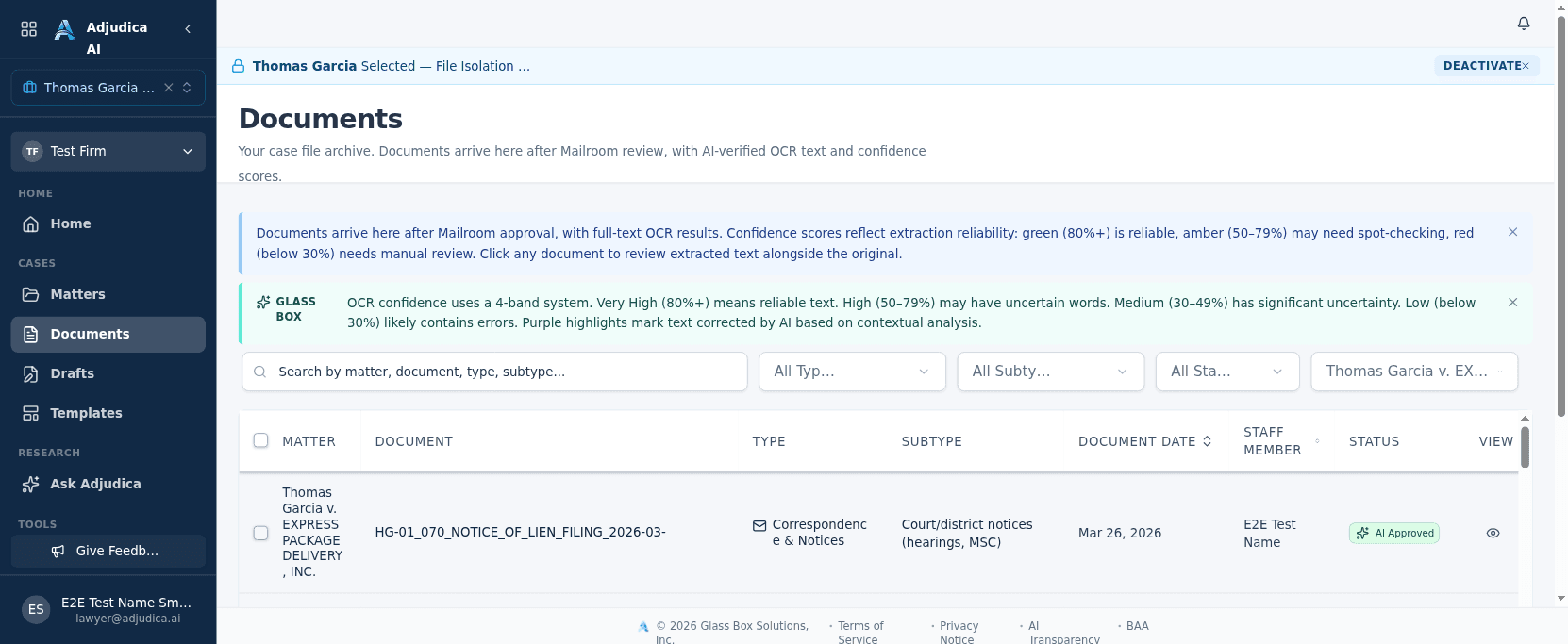
Once the Mailroom clears a document, it lands in the Documents library — a single, searchable system of record for every file across every matter.
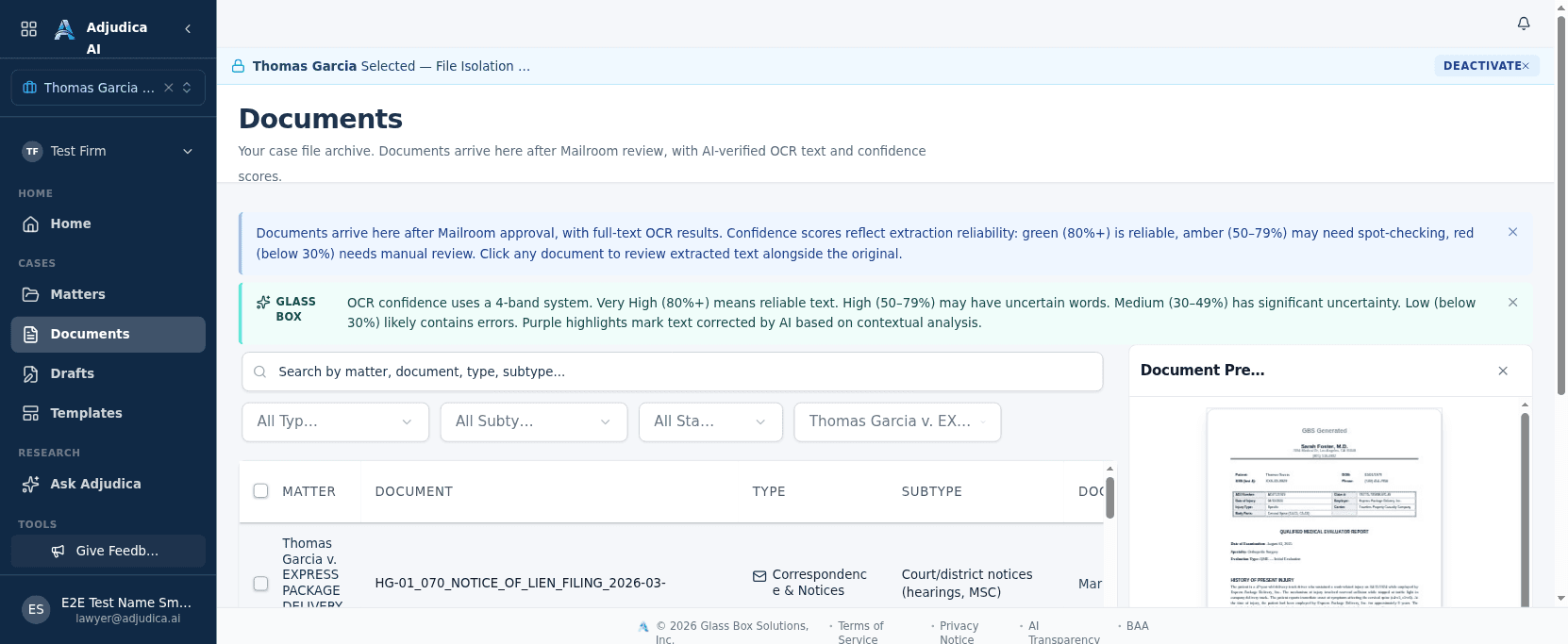
Open any document and Adjudica shows it alongside what the AI understood about it — type, classification, and the evidence extracted — never a black box.
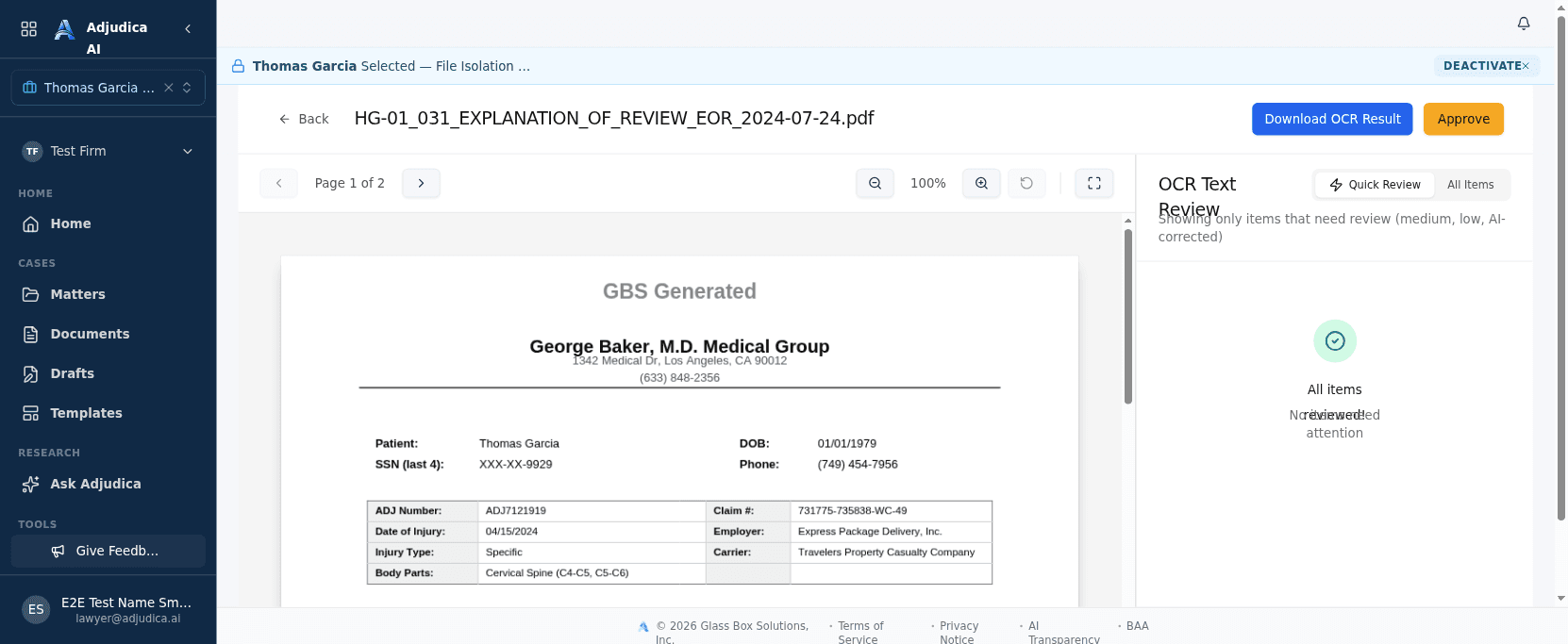
Before any AI-extracted text is trusted, an attorney reviews and corrects it side-by-side with the source page. This human-in-the-loop gate is the heart of the Glass Box promise.
Augmented intelligence
Multi-LLM research, template and custom drafting, and AI form-fill for California WC court forms — every output built for attorney review, never OpenAI in any PHI path.
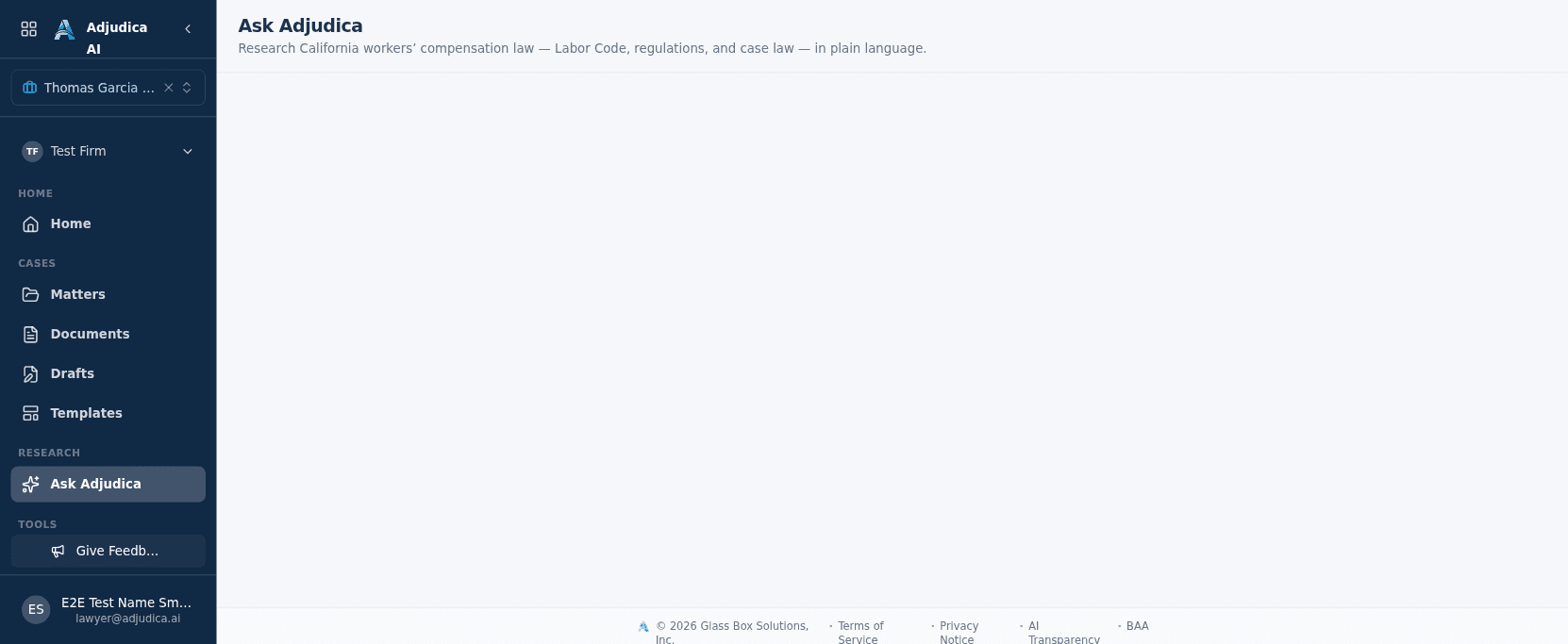
A research surface tuned for California Workers’ Compensation — ask a question and get an explainable, sourced answer rather than a confident guess.
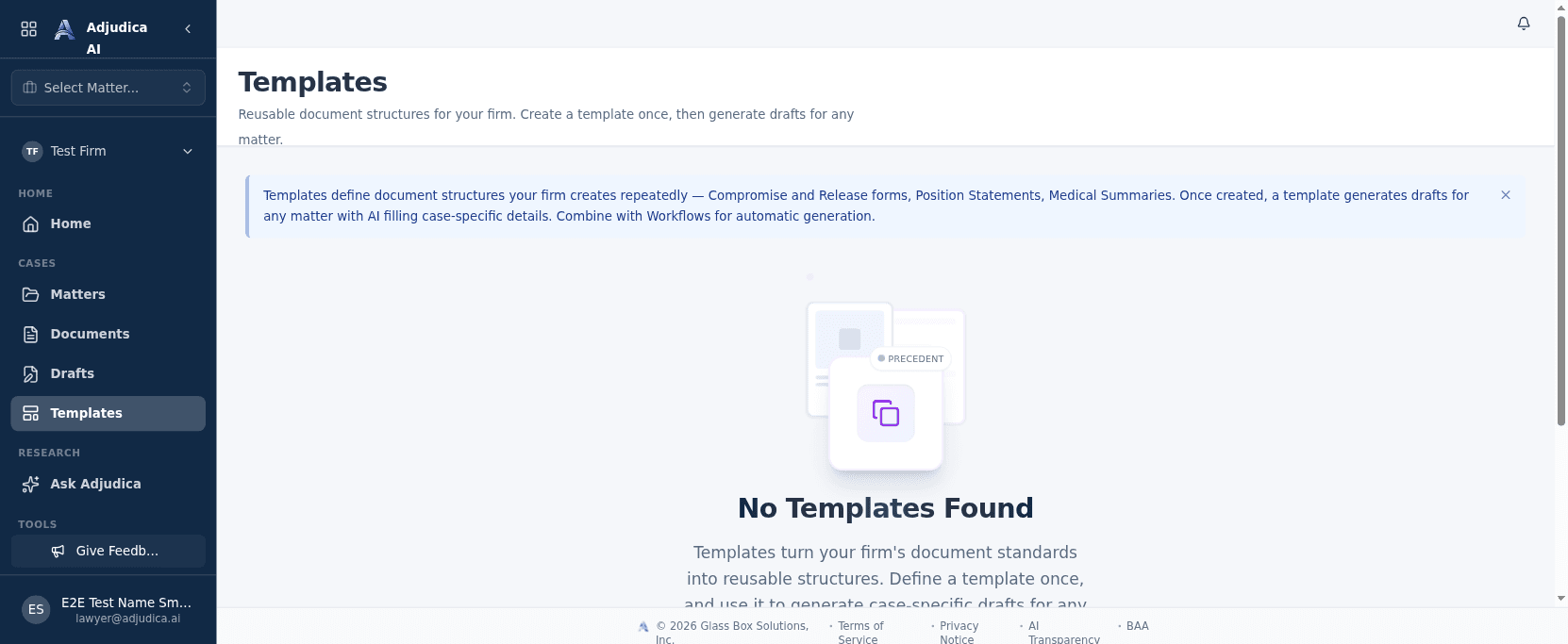
Reusable document templates power fast, consistent drafting across the firm — the starting point for AI-assisted document generation.
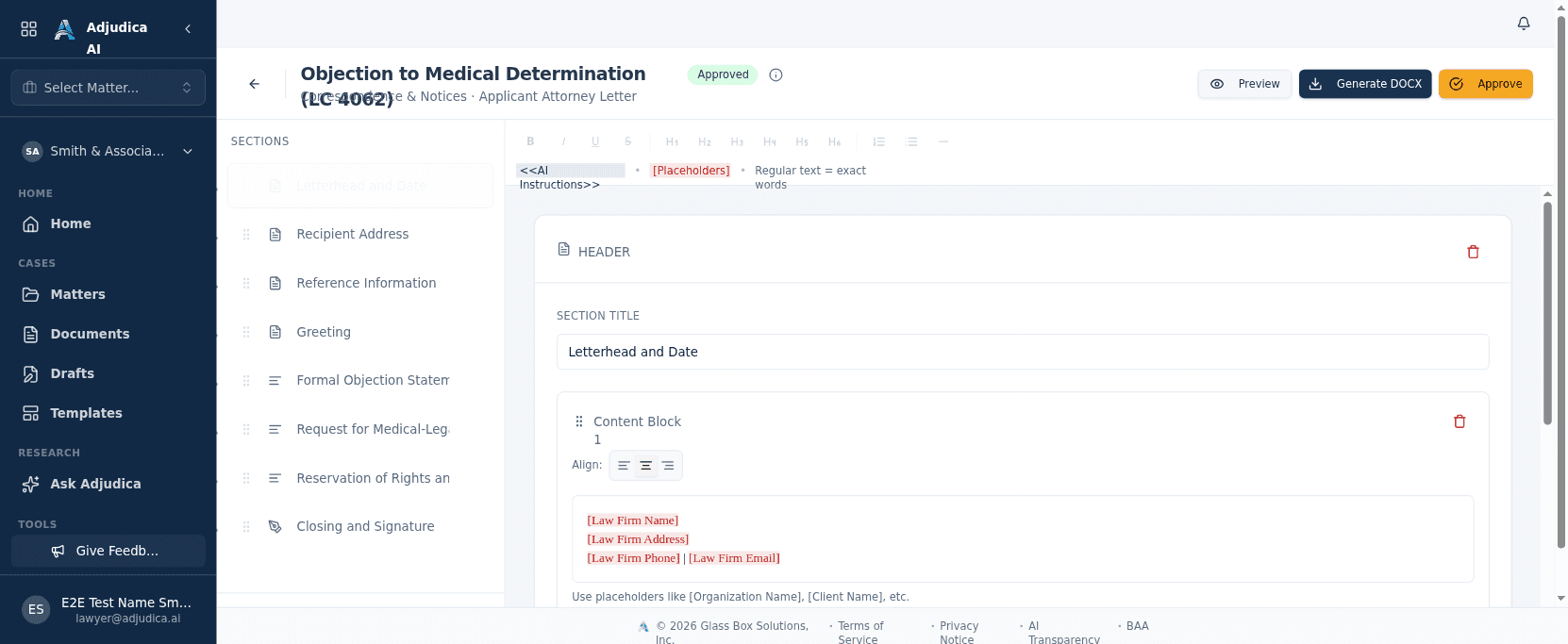
Templates are the reusable skeletons behind every generated document. The builder is where a firm encodes its house style — sections, fixed text, and the placeholders the AI will fill.
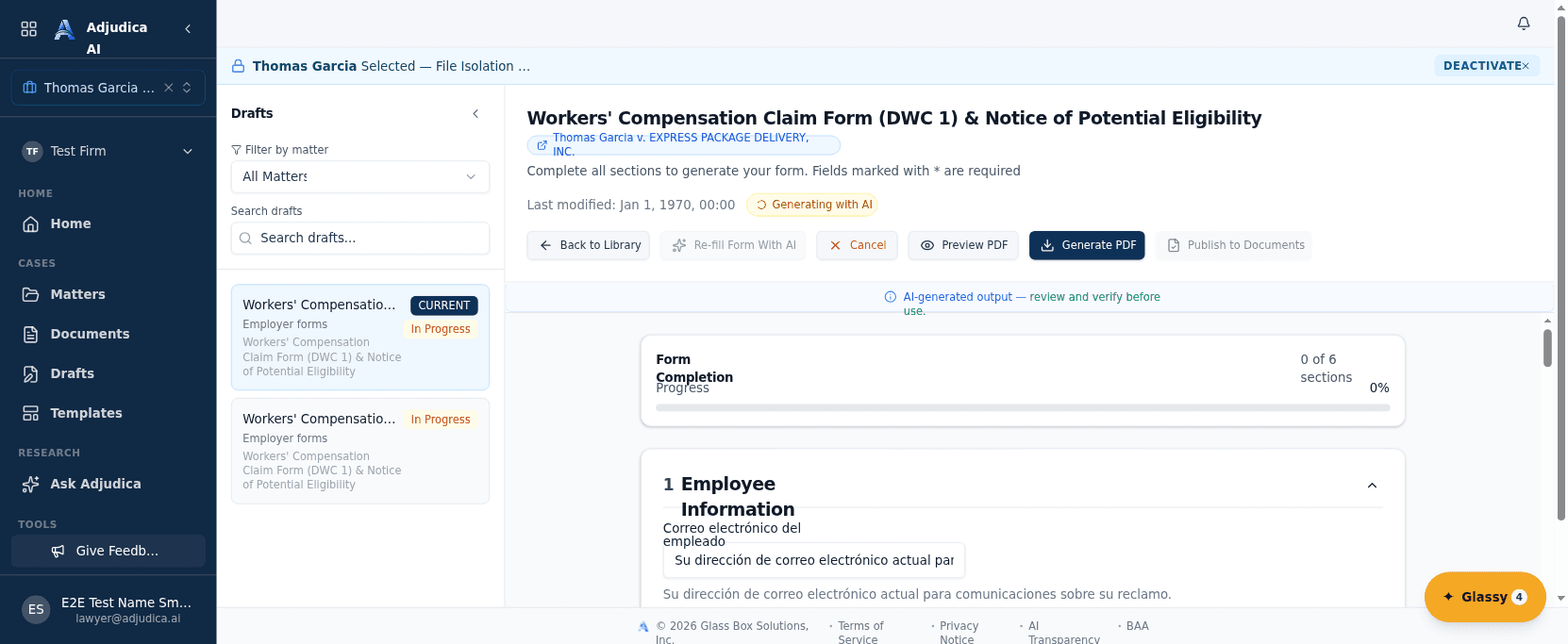
The malpractice-critical moment: the attorney clicks “Re-fill Form With AI” and Adjudica fills a California Workers’ Comp court form from the case record — every field traceable.
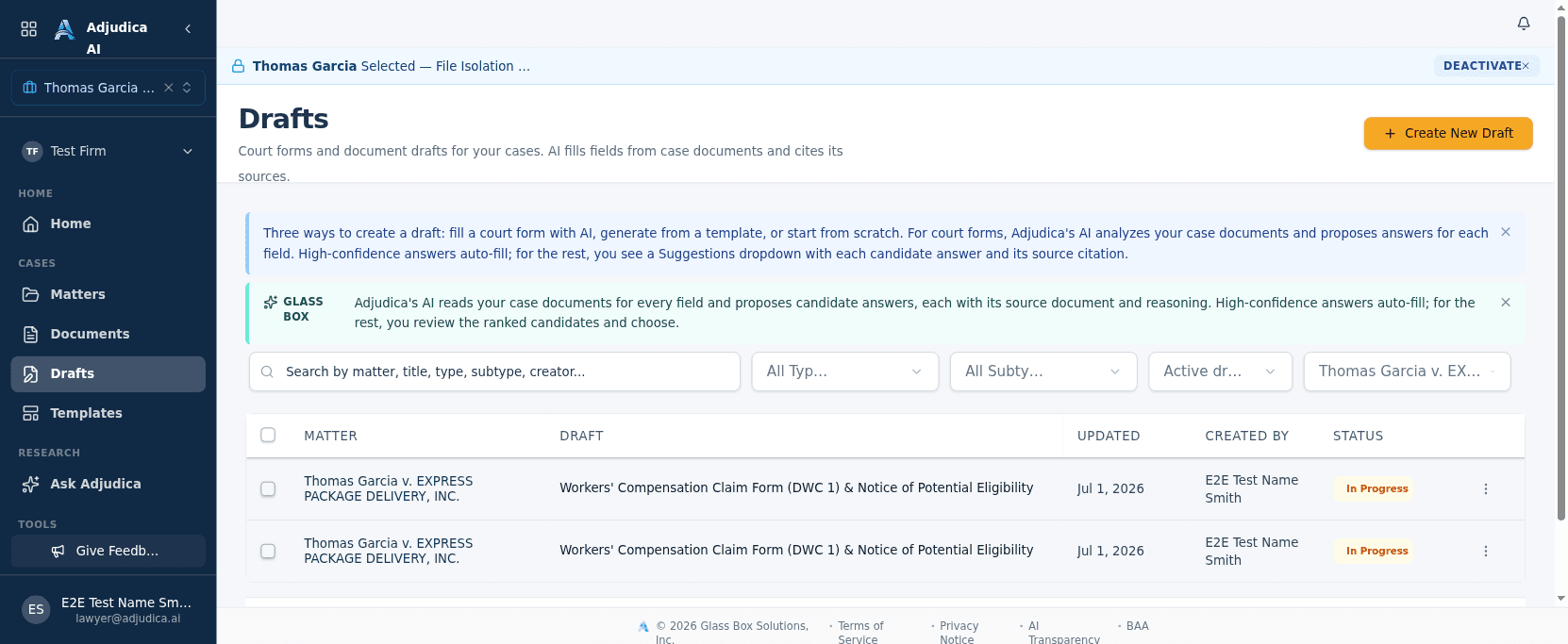
The Drafts library is where AI-assisted work product lives — court forms, template drafts, and custom documents, each scoped to its matter and tracked from creation to review.
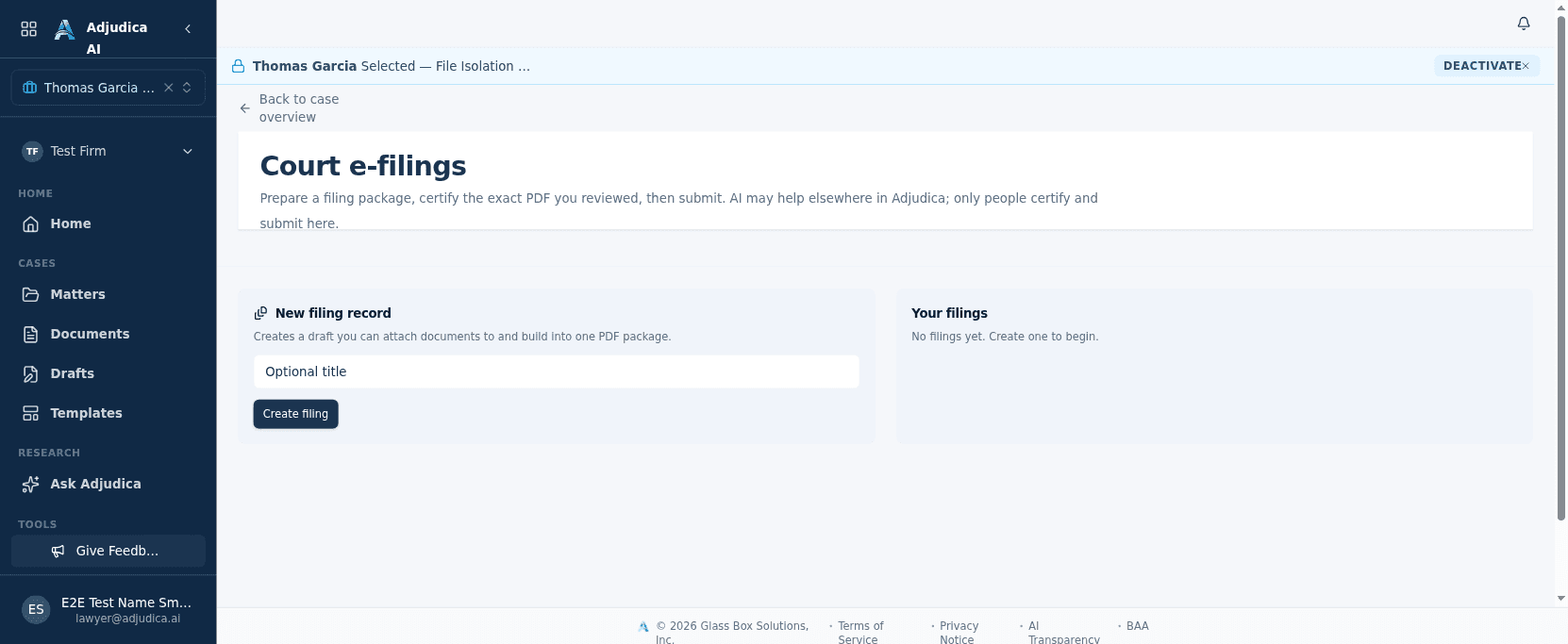
When a document is ready to file, Adjudica assembles the package, binds the attorney’s certification to its exact contents, and prepares it for submission.
Do more, faster
Turn routine drafting into rules, keep deadlines and tasks in view, and manage the people and vendors a practice coordinates with.
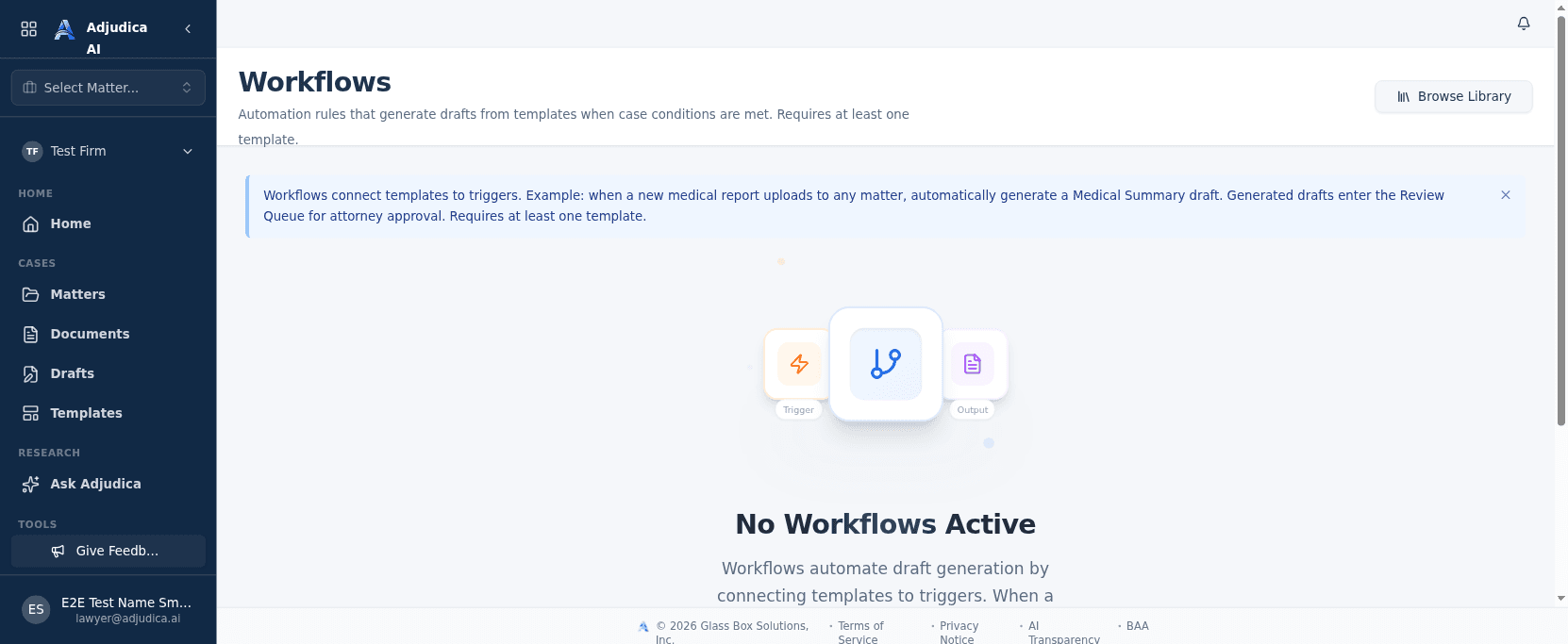
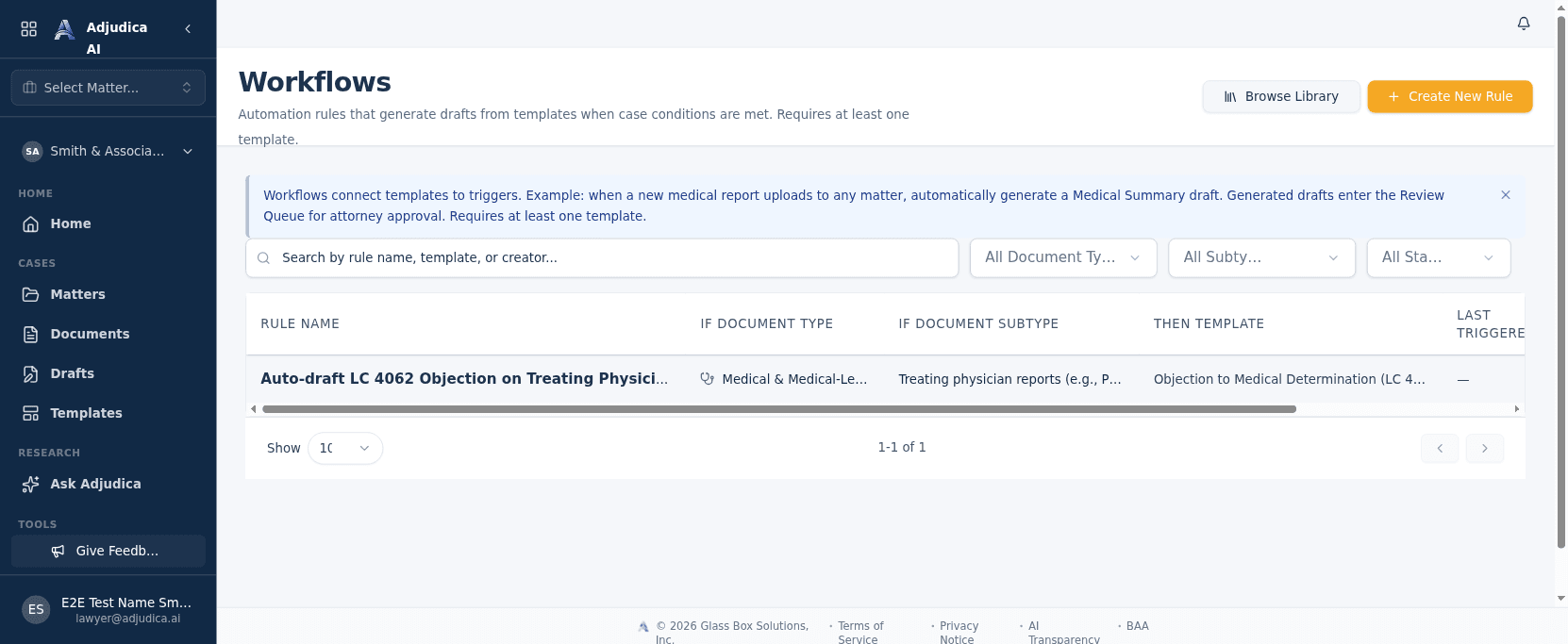
Workflows connect templates to triggers, so routine drafting happens on its own. The platform states the rule in plain English: when a case condition is met, generate a draft — and route it for human approval.
A catalog of pre-built California Workers’ Comp automations a firm can deploy in one click — the fast path to putting routine drafting on autopilot.
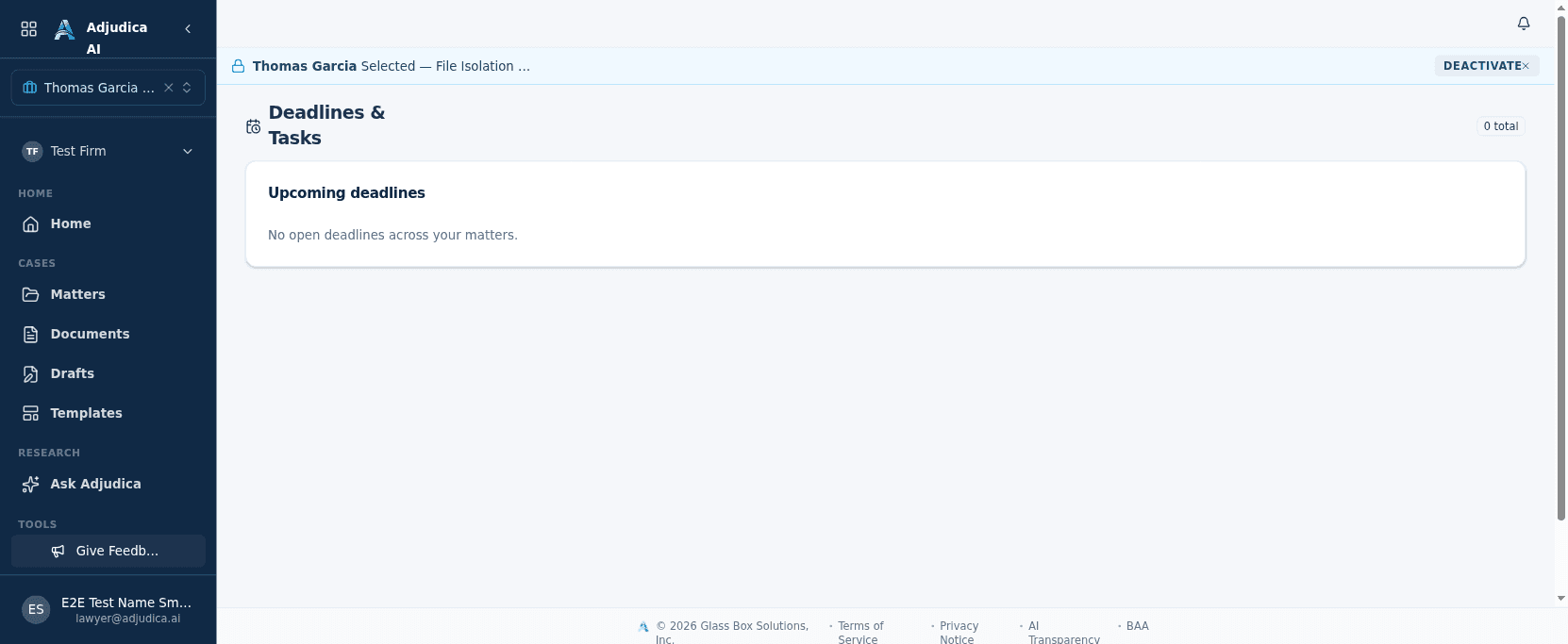
A consolidated list of what’s on your plate across the whole caseload — the task layer that sits beside the ranked Home view.
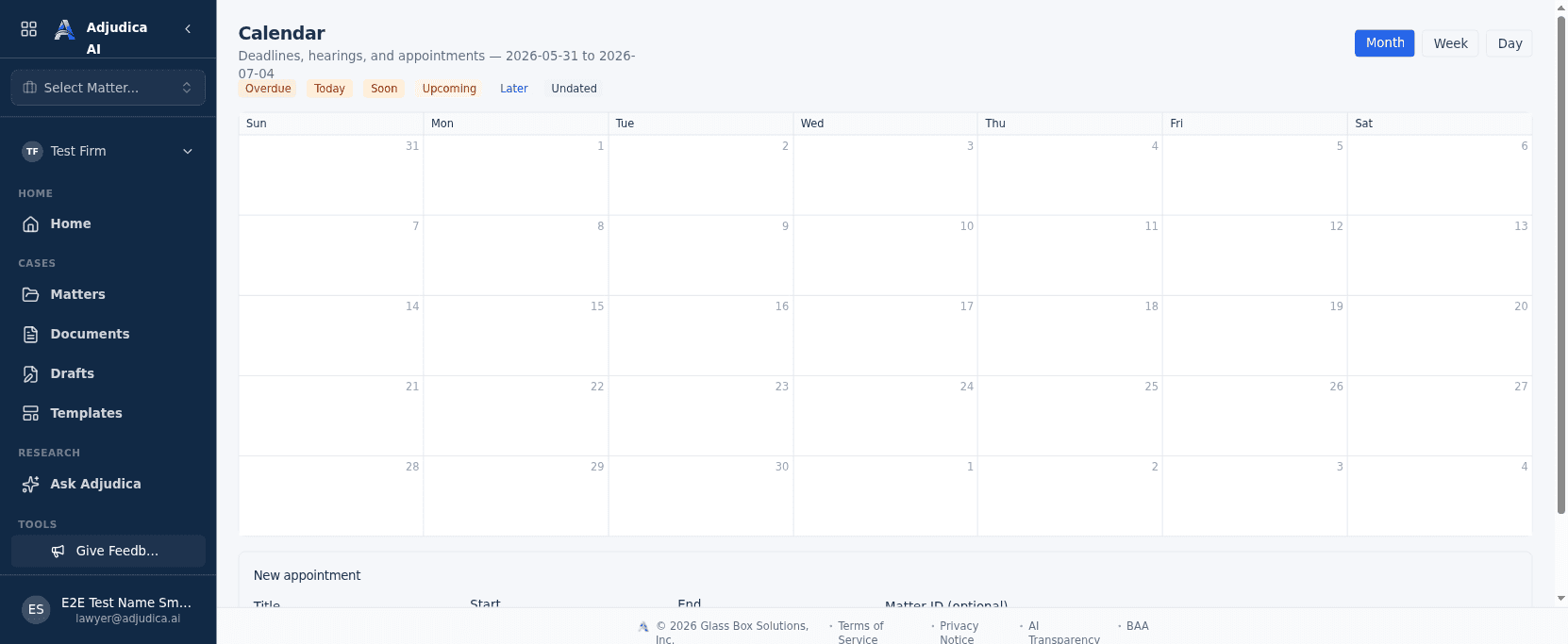
The time view of the practice — appointments, hearings, and the statutory deadlines that drive a Workers’ Comp matter.
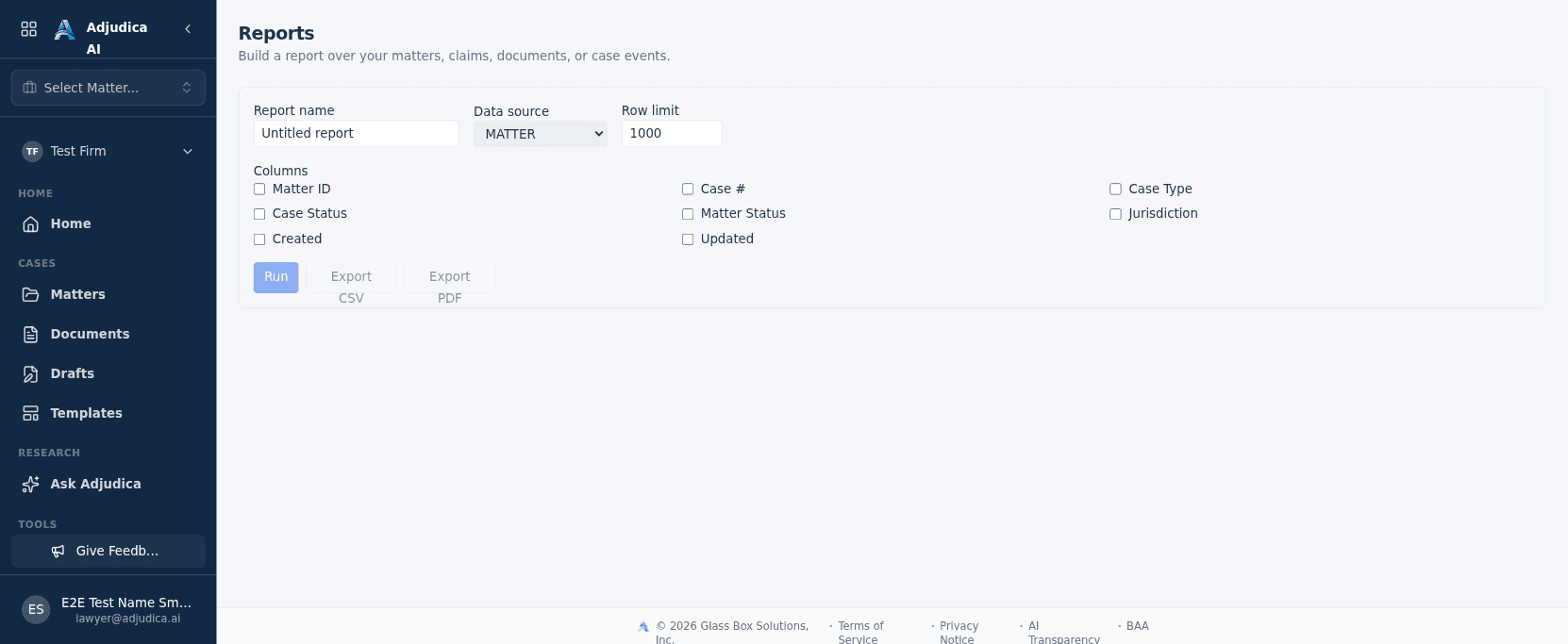
Firm-level analytics — the metrics a managing attorney uses to see how the practice is performing.
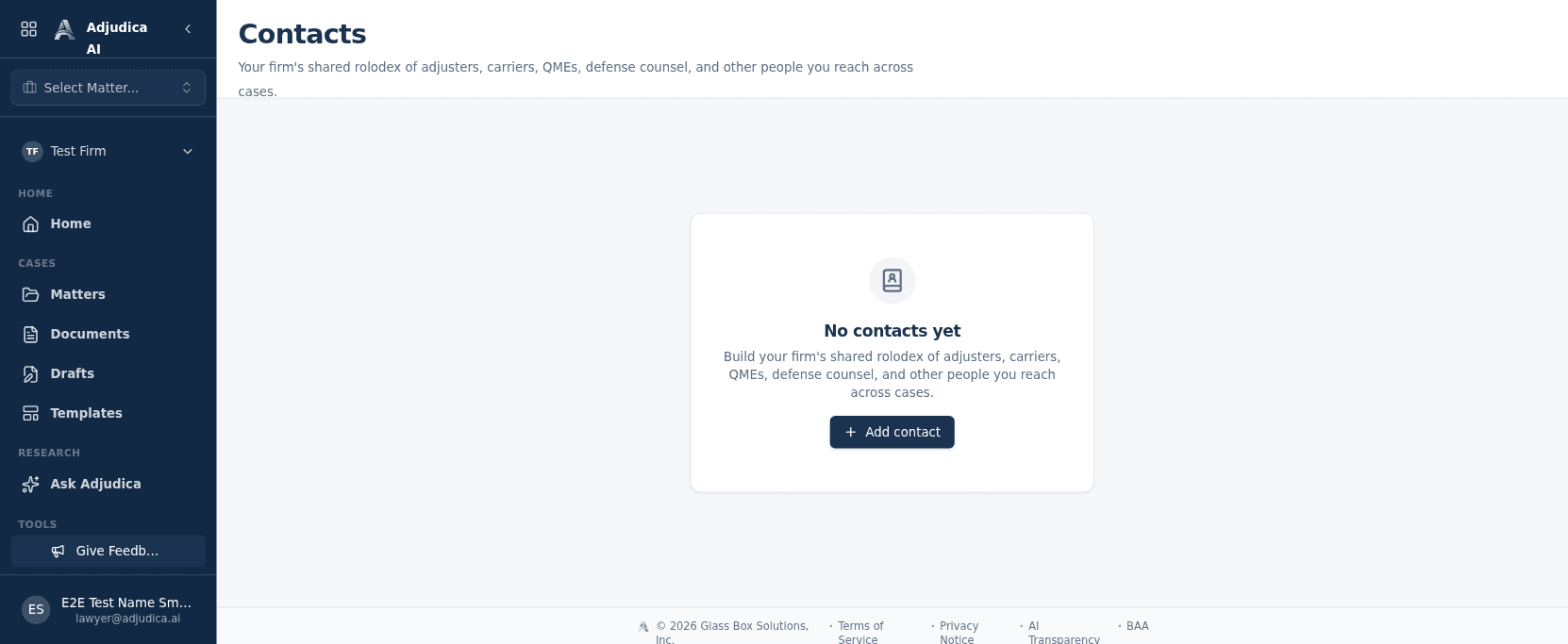
A firm-wide contacts directory — the people and organizations a WC practice deals with, in one searchable place.
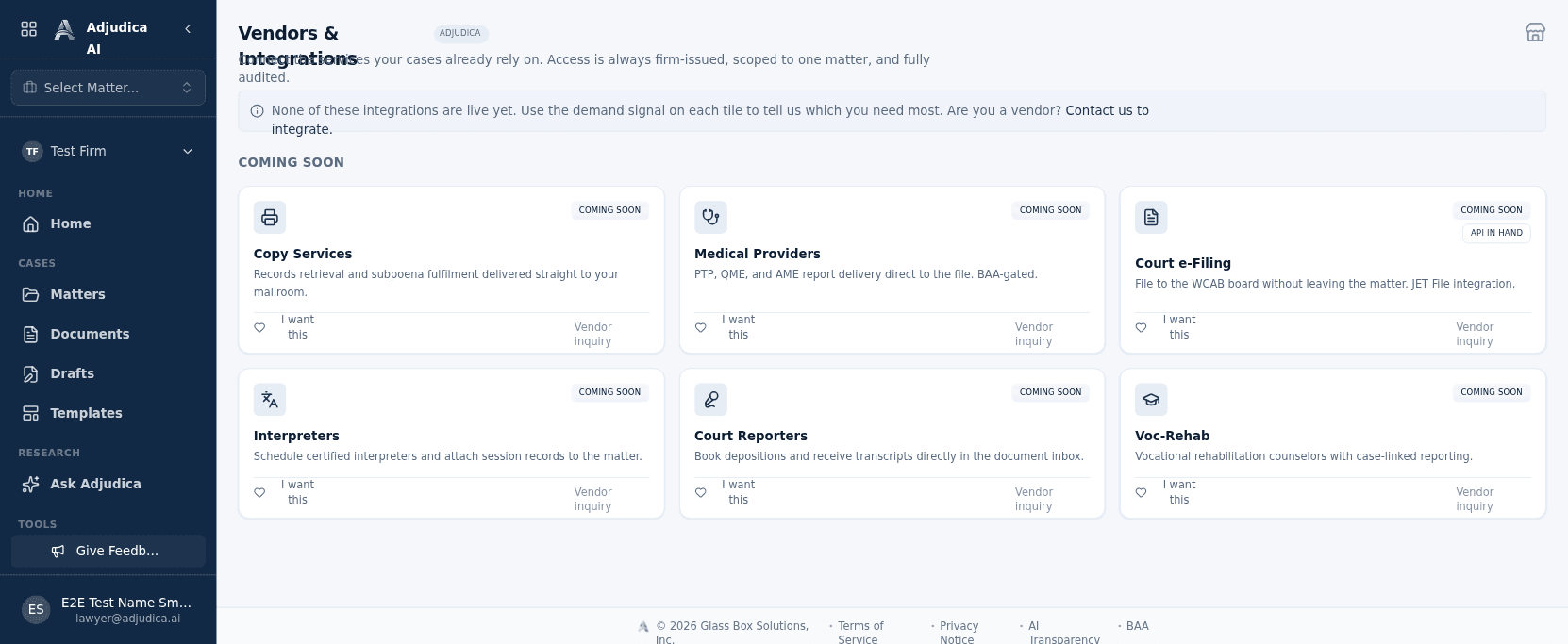
A vendor marketplace and management surface — copy services, providers, and court e-filing partners a firm coordinates with.
Run the firm
Members and roles, billing, per-matter access boundaries, origination scoring, and the MerusCase import that migrates a firm’s existing cases onto Adjudica.
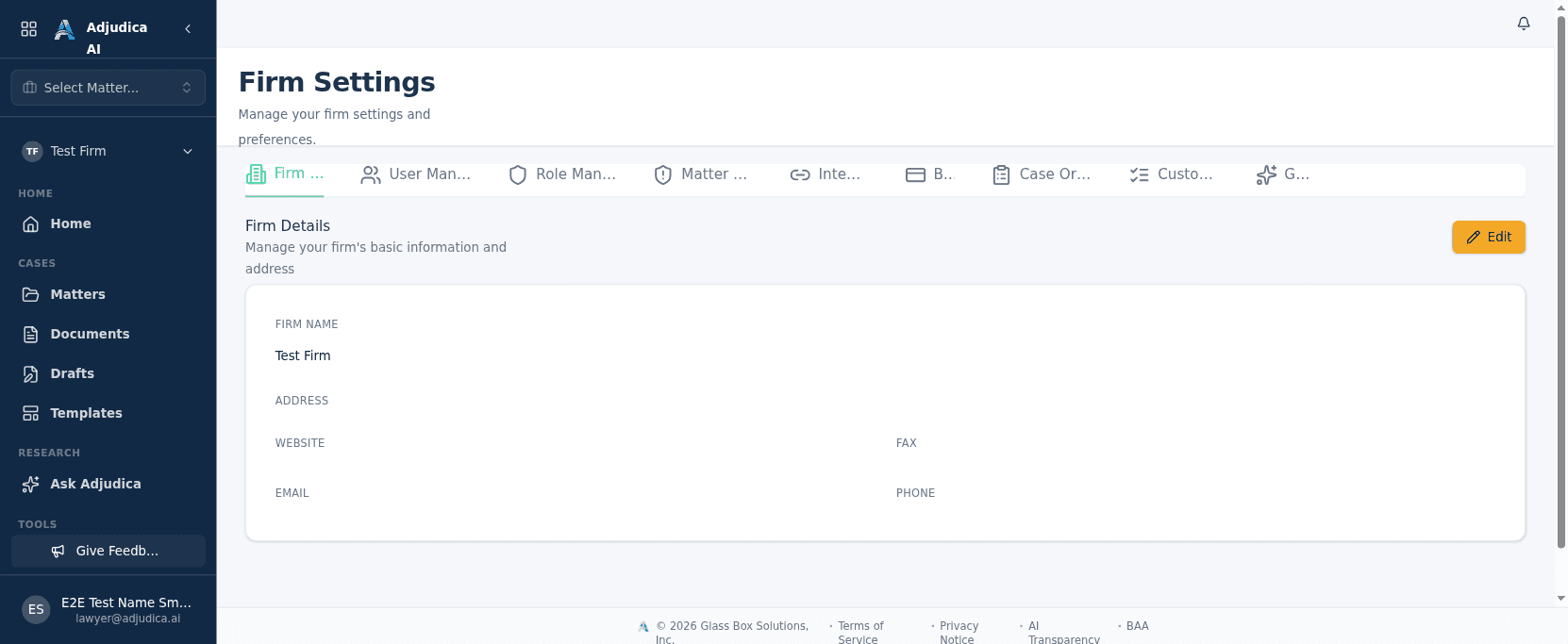
Firm configuration — members, integrations, and the controls that tailor Adjudica to how a practice runs.
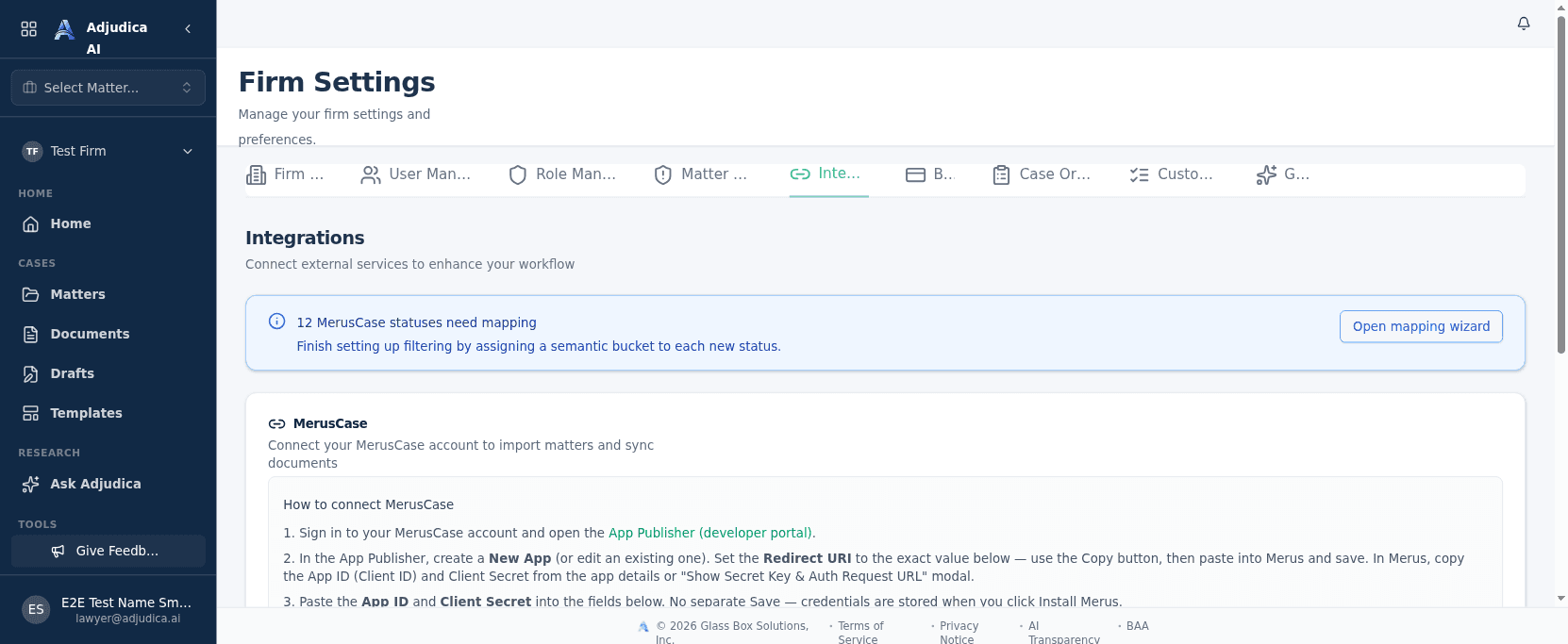
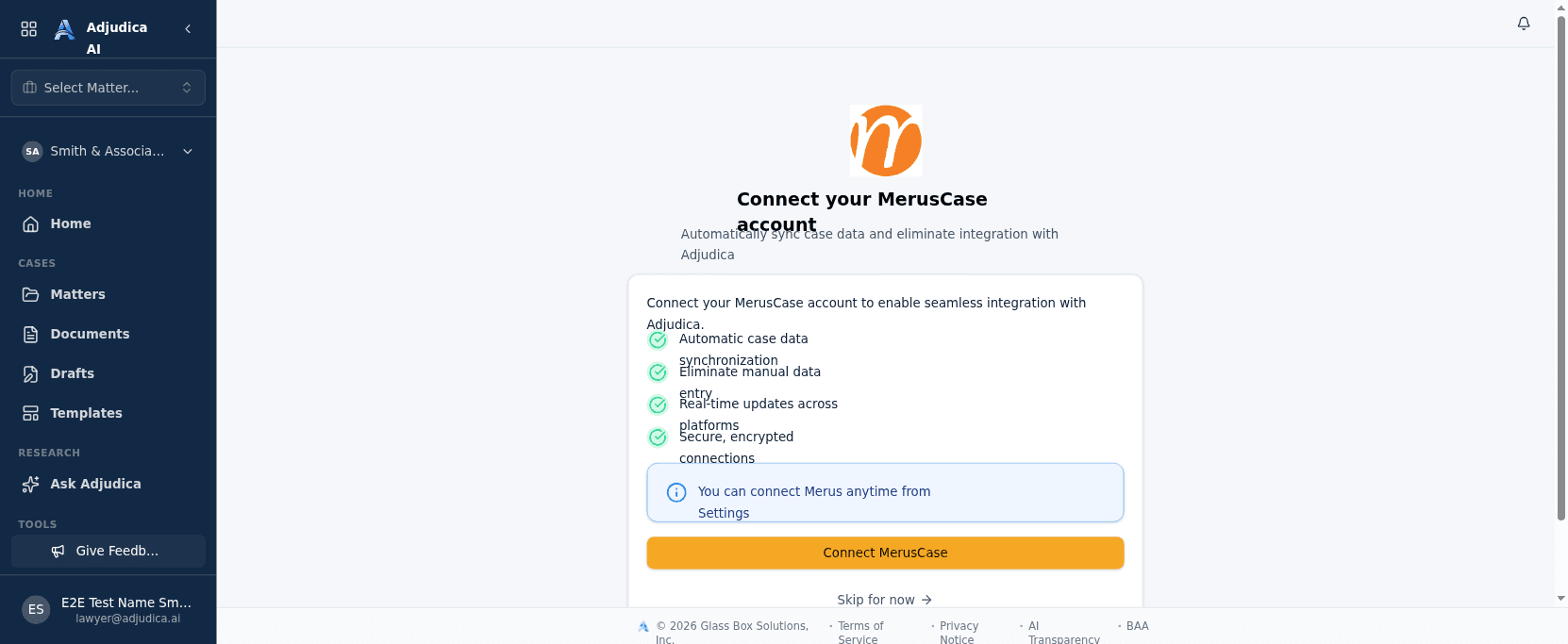
Bring a firm’s existing data into Adjudica. MerusCase import — for migrating cases off a legacy system — is first-class here.
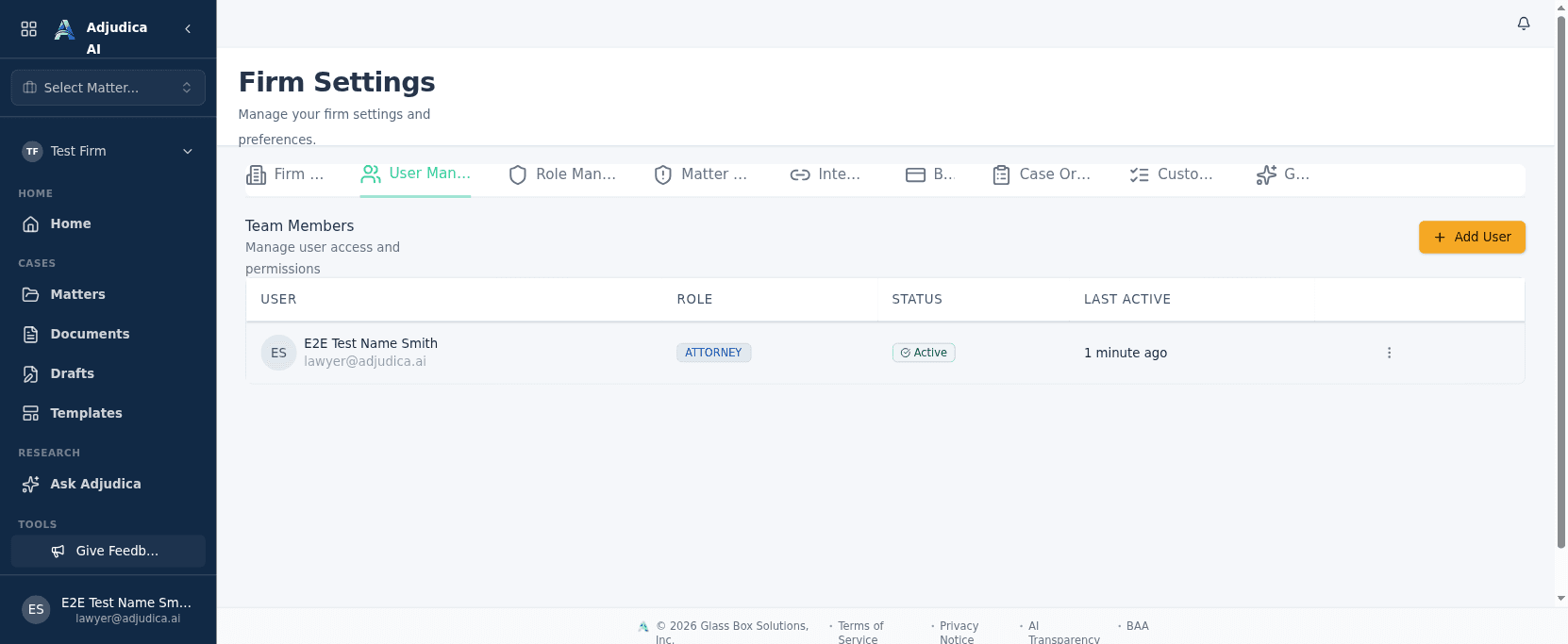
Manage who’s on the team and what they can do. Roles here drive capabilities across the entire product.
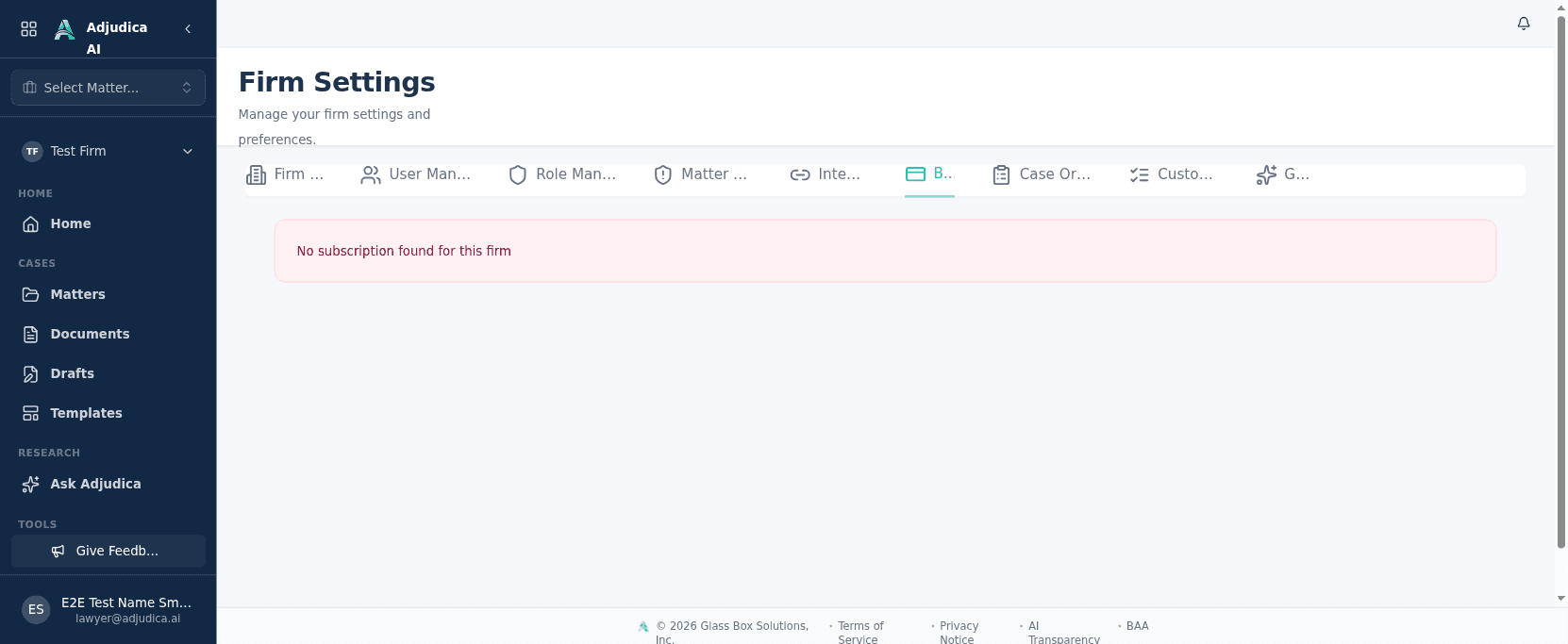
Plan, usage, and invoices in one place — with usage caps that gate matter creation so a firm always knows where it stands.
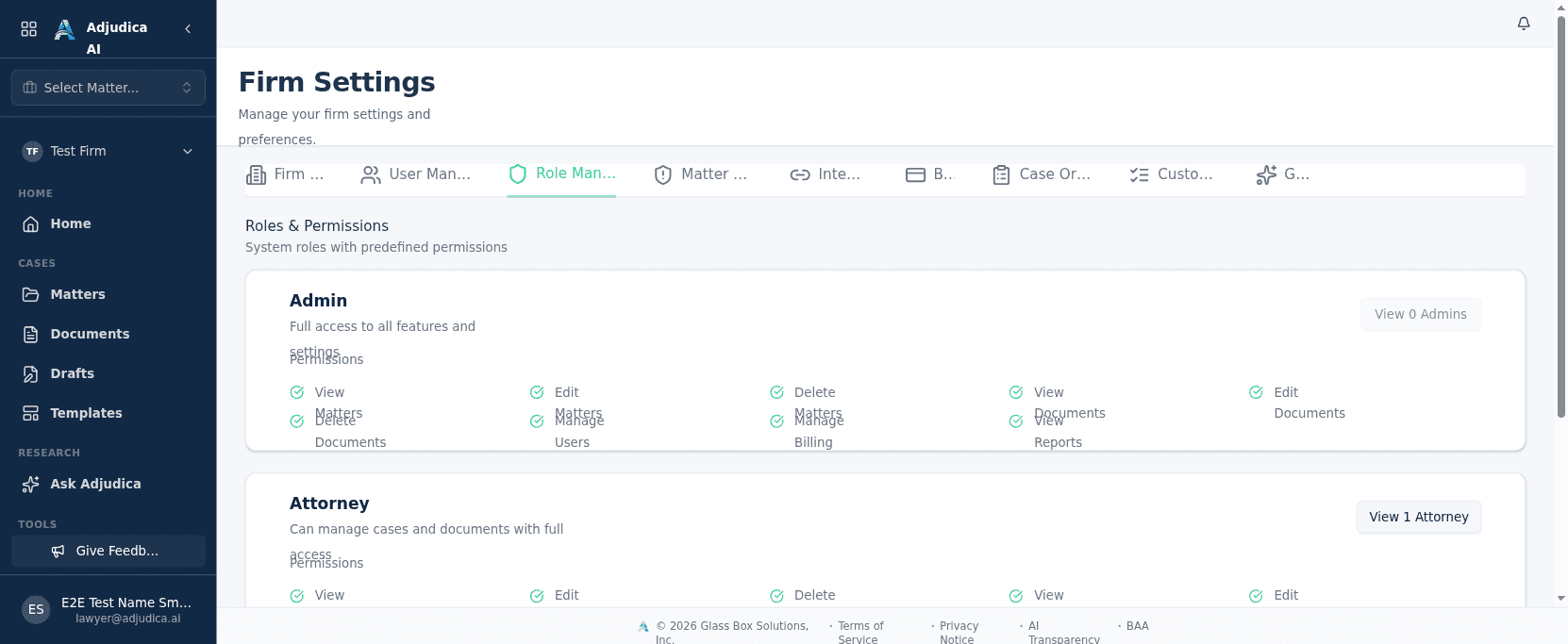
A transparent view of the firm’s roles, the permissions each carries, and who holds them.
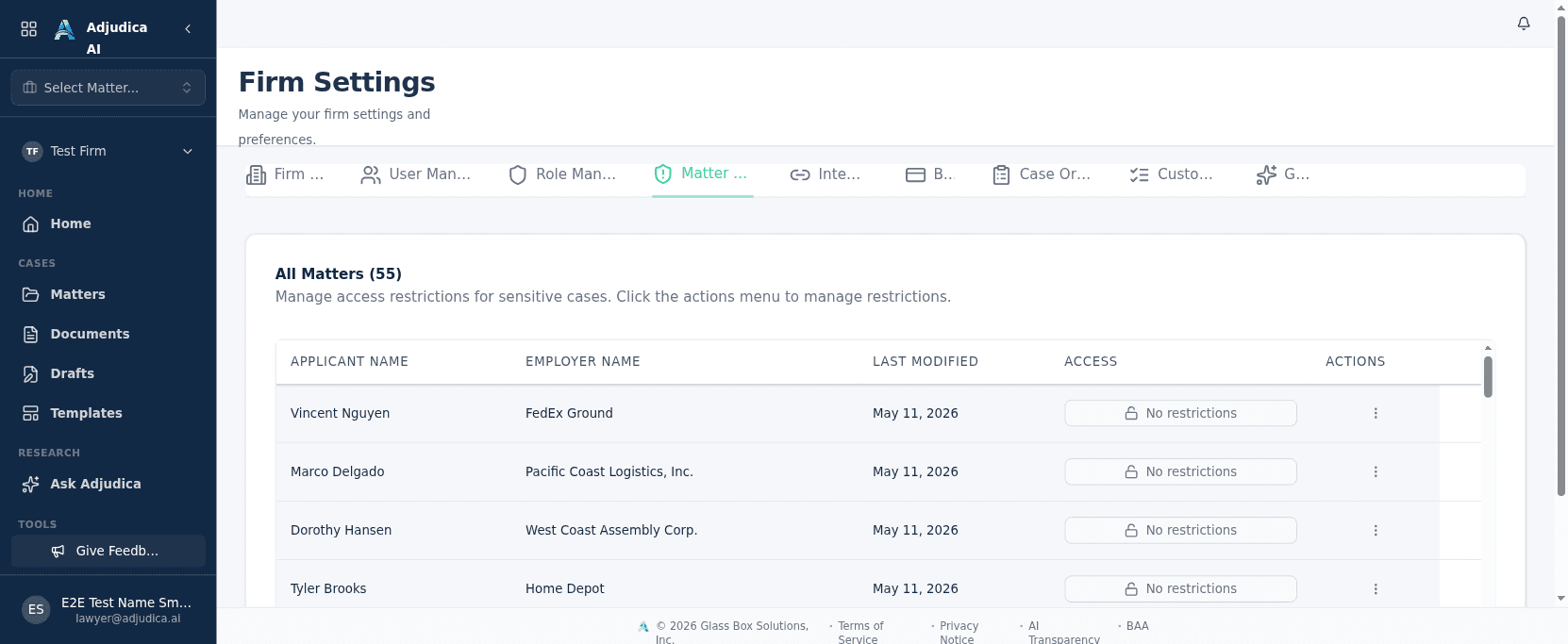
Fine-grained, per-matter access control: restrict which members — and therefore which AI context — can touch a sensitive case.
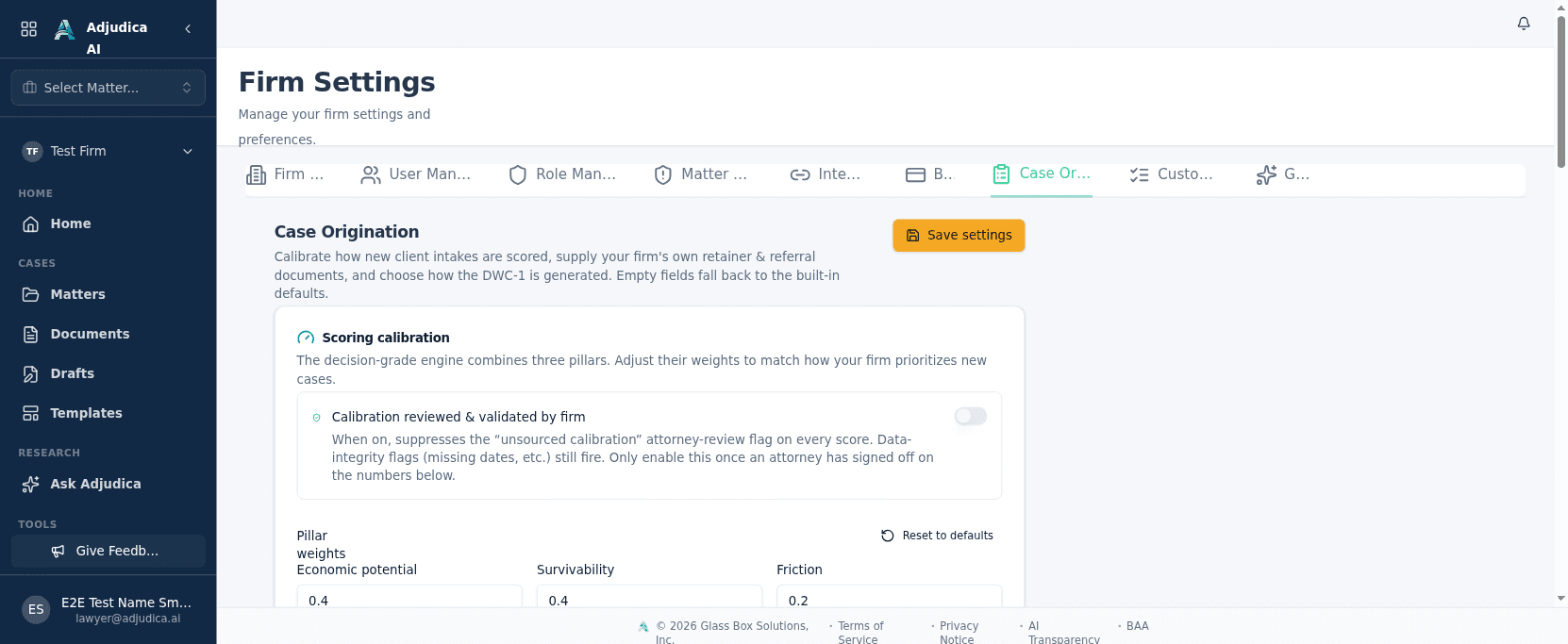
Configure how new business is scored and intaken — the weights and templates behind the firm’s origination engine.
The onboarding step that links a firm’s existing MerusCase account so its cases and documents migrate into Adjudica.
Personal settings
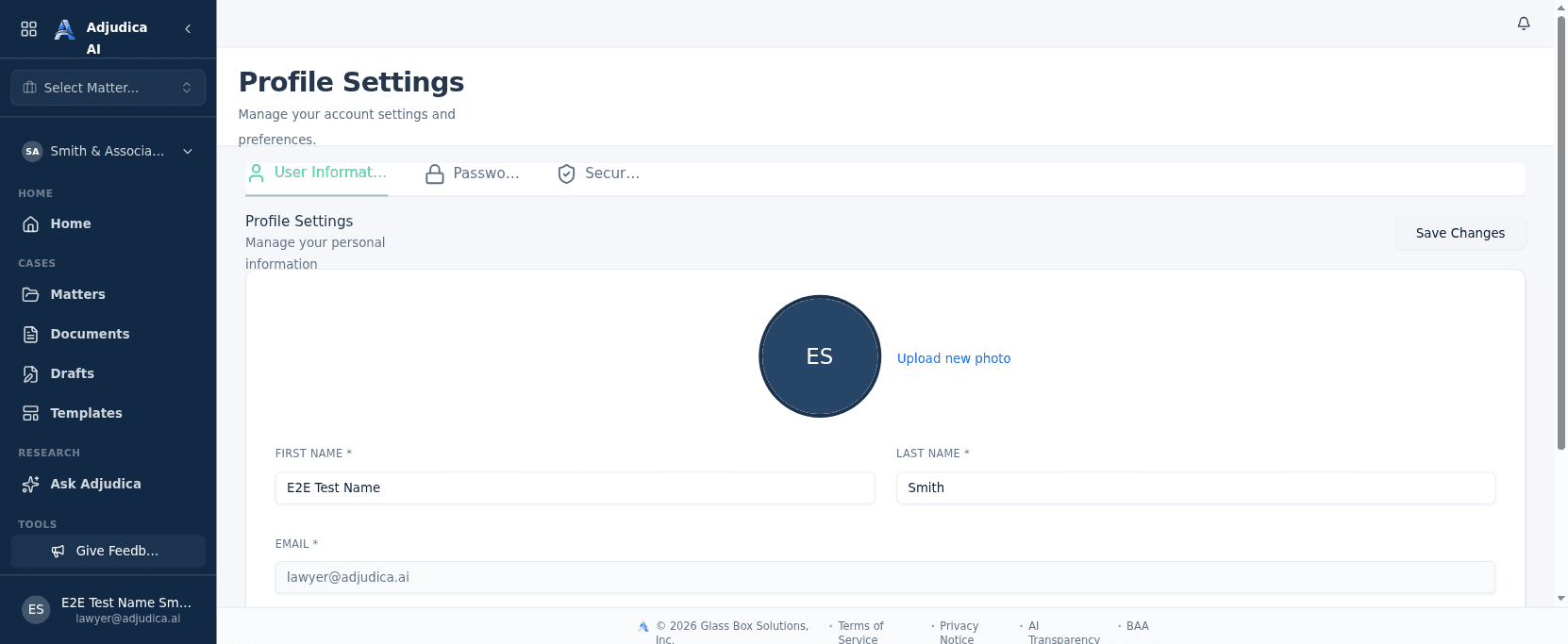
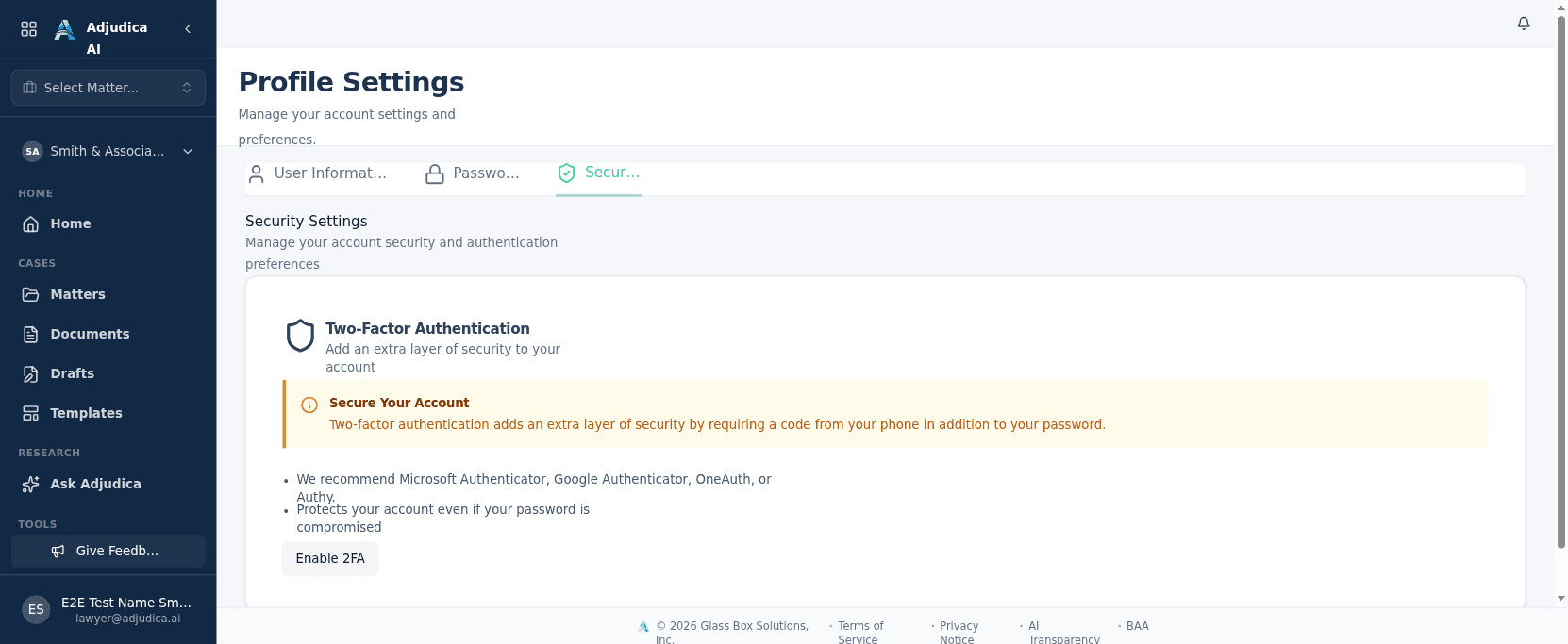
Individual profile and the account-security controls — two-factor and password management — that protect access to a platform holding protected health information.
Personal settings for each user — name, contact details, and the California Bar number that identifies an attorney on filings.
Account-security controls — password changes and two-factor authentication, enforced for the most privileged roles.
Adjudica does the homework — the intake, the extraction, the first drafts — so attorneys can make the decisions. Every output is built for attorney review.